
You open the page indexing report and there they are: a few hundred URLs under "Crawled, currently not indexed", a few hundred more under "Discovered, currently not indexed". The instinct is to open URL Inspection and start pressing Request Indexing on each one.
That instinct is going to cost you a week, and the pages will still not be indexed at the end of it.
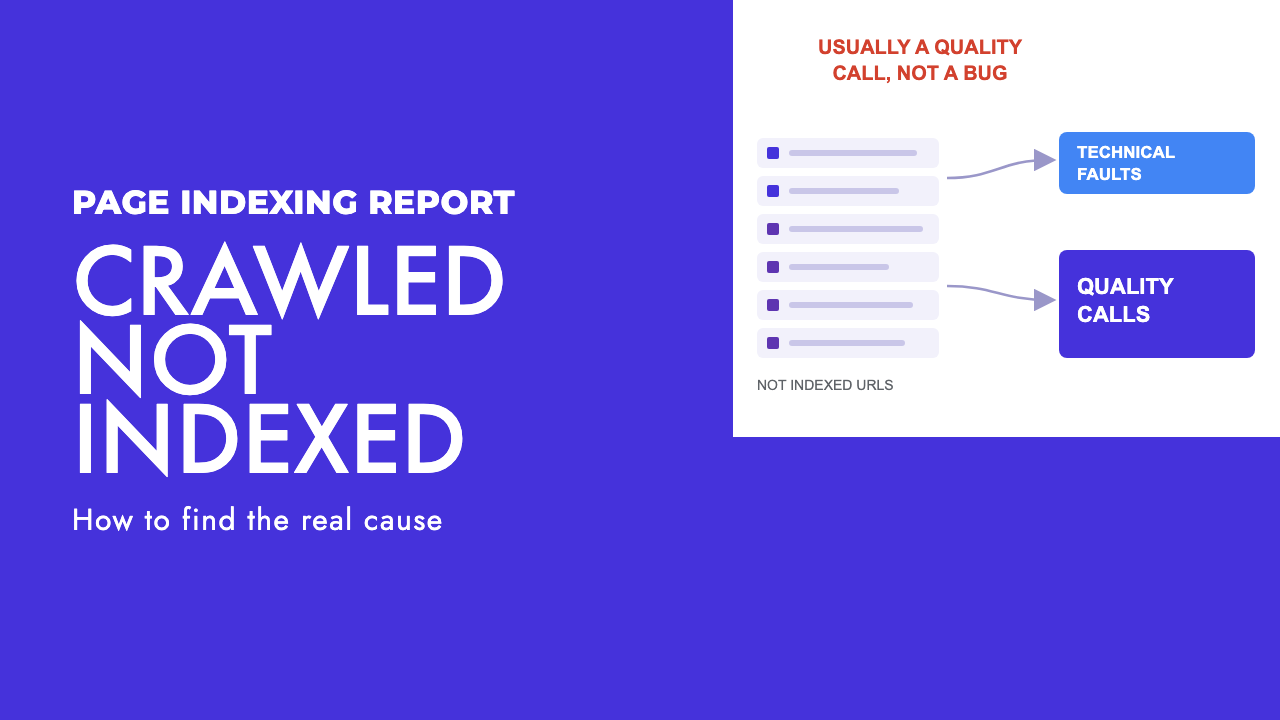
Most guides treat these statuses as a technical fault with a technical fix. Google's own position is that they are usually a judgement about the page.
The technical checks are still worth running, because they are cheap and occasionally the answer. Give them an afternoon.
What Google actually means by each status
For crawled, currently not indexed, the page indexing report help page says: "The page was crawled by Google but not indexed. It may or may not be indexed in the future; no need to resubmit this URL for crawling."
For discovered, currently not indexed, the same page says: "The page was found by Google, but not crawled yet. Typically, Google wanted to crawl the URL but this was expected to overload the site; therefore Google rescheduled the crawl."
The first says Google looked and chose not to keep the page. The second says Google has not looked yet, with a server-load explanation that is accurate at scale and misleading almost everywhere else.
The clearest statement of what that means came in July 2026 on Google's Search Off the Record podcast, reported by Search Engine Roundtable. Martin Splitt described the status as pages where "we visited them and we didn't put them in the index". John Mueller then explained why that happens: "if our systems are seriously worried about the quality of a website, that they will reduce the number of pages that they index".
Mueller was explicit: "It's not that you need to fix this technical issue that Google is not indexing this page". He pointed at overall site quality, and named generic AI-generated content as an example.
So the status is a verdict, and the technical checks are how you rule out the rare case where it is not.
The technical checks worth an afternoon
Run all of these. Each is cheap, and any one can be the whole story on a site that has just migrated or come off staging. If they all pass, stop, rather than re-running them in a different tool the next day.
| What to check | How to check it | What it means if it fails |
|---|---|---|
| robots.txt disallow | Run the URL through a robots.txt tester and read the crawl allowed line in URL Inspection | Google cannot fetch the page. Remove the rule. Common after a staging block reaches production. |
| noindex tag or header | View source for a meta robots noindex, and check the response headers for X-Robots-Tag | You told Google to leave it out, usually by accident. Fix the template or CMS setting. |
| Canonical pointing elsewhere | View source for rel=canonical, then compare it with the Google-selected canonical in URL Inspection | The page is asking to be folded into another URL. Not a fault unless the target is wrong. |
| Redirect chains | Run the URL through a redirect checker and follow every hop | The submitted URL is not the final URL. Google indexes the destination, if anything, and files the original under "Page with redirect". |
| Soft 404, thin or empty rendered output | Use the live test in URL Inspection and read the rendered HTML, not the source | Google's error documentation says that if the content suggests an error, an empty page or an error message, Search Console shows a soft 404. |
| JavaScript-only content | Compare raw HTML with rendered HTML in URL Inspection, and crawl the site with rendering switched on | If the body only exists after scripts run and rendering fails, Google sees a shell. See our JavaScript SEO troubleshooting guide. |
| Server errors and slow responses | Crawl Stats report in Search Console, server logs, response time on the live test | 5xx responses and slow pages lower Google's crawl capacity limit. On a large site this pushes URLs into discovered, not indexed. |
| Orphan pages with no internal links | Crawl the site, export inlinks per URL, compare against the sitemap | Google only knows the page exists because you listed it. No link, no signal that anyone thinks it matters. |
One caveat. Google's URL Inspection documentation says the live test "cannot detect all page conditions" and cannot test canonical selection or sitemap submission live. Read both views: the indexed result for what Google decided, the live test for what the page does now.
When discovered, currently not indexed really is a crawl capacity problem
Google's crawl budget guide is aimed at two kinds of site: large sites with 1 million or more unique pages whose content changes moderately often, and medium or larger sites with 10,000 or more unique pages whose content changes daily.
If you are under those thresholds, it is almost certainly not crawl budget. Google can fetch 200 pages in the time it takes to read this section, and if it has found them and not scheduled the fetch, the likelier reading is that it has decided, from the URL pattern and what it knows about the site, that the fetch is not worth doing yet. Calling that a hosting problem is a way to avoid the harder conversation.
At scale the server explanation is real. The same guide describes a crawl capacity limit that exists to avoid overloading your server, and says that if the site slows down or responds with server errors, the limit goes down and Google crawls less. A spike in discovered, not indexed on a large site after a hosting change or a run of 5xx errors is a genuine signal with a genuinely technical fix.
The other lever on a big site is cutting URLs that waste budget. Google names duplicates, differently sorted versions of the same page and faceted navigation as low-value URLs, and says soft 404 pages will continue to be crawled and waste your budget. Faceted navigation is the usual culprit on retail sites, and sits near the top of our ecommerce SEO checklist.
The canonical trap
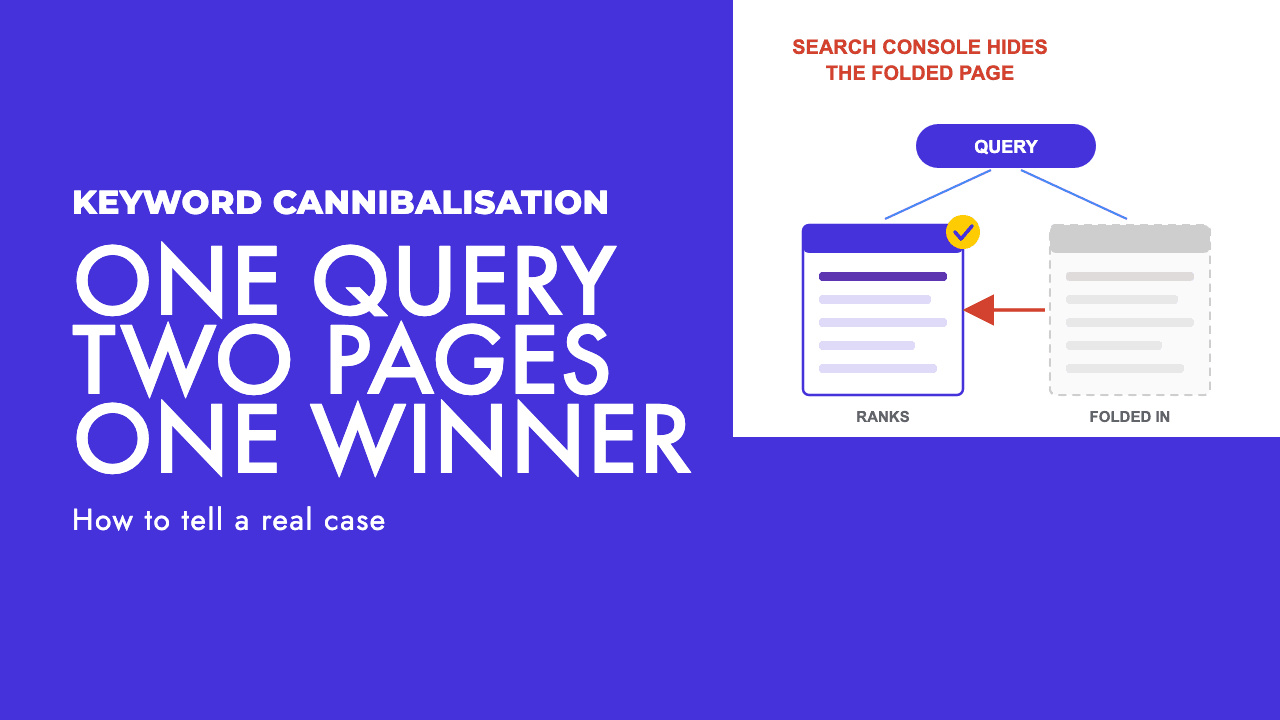
Some of the URLs you are worried about are not missing. Google folded them into another page.
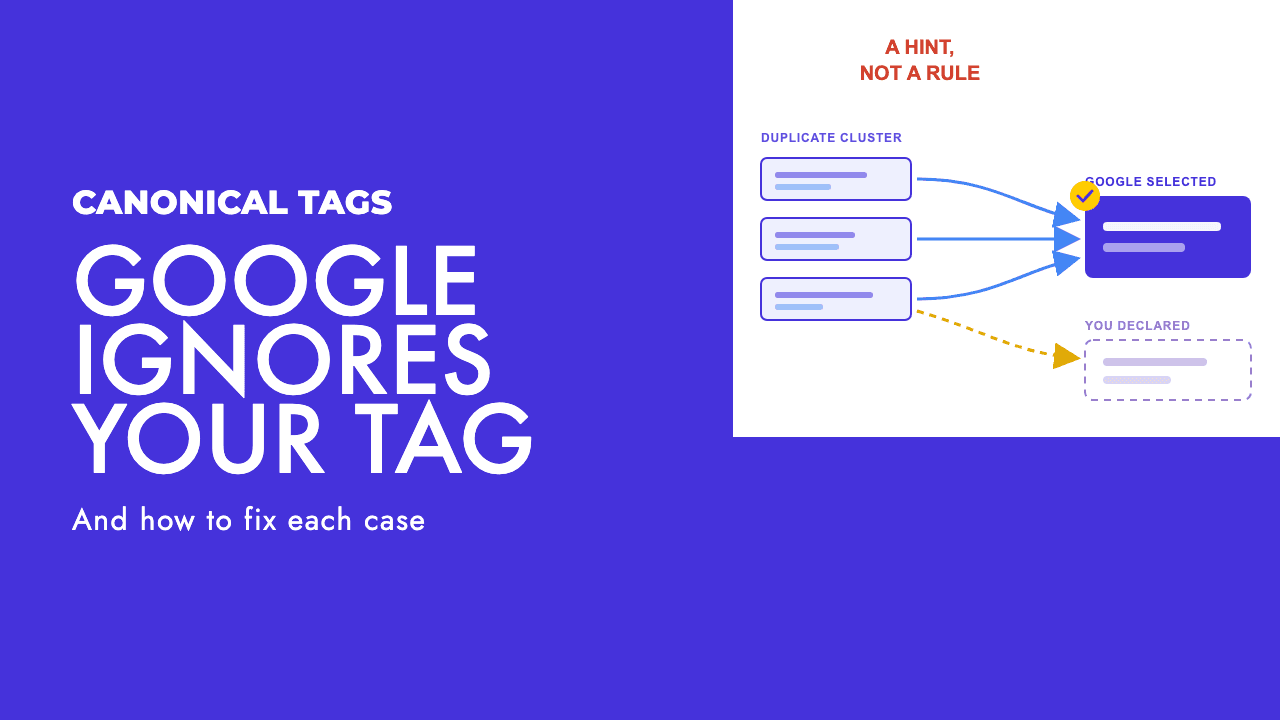
Google's canonicalization documentation describes how it groups duplicate pages and picks the one that is "objectively the most complete and useful for search users". The signals include HTTPS over HTTP, redirects, whether the URL is in the sitemap, and your rel=canonical tag, and Google is blunt that indicating a canonical preference "is a hint, not a rule".
The same page says the canonical is crawled most regularly and the duplicates less often, so the duplicates drift down the crawl schedule and surface under statuses that look like problems.
To tell the difference, open the URL in URL Inspection and look at the Google-selected canonical. If it differs from the URL you inspected, the page is not unindexed; Google has decided it is the same thing as another page and is keeping that one.
The report usually files it as "Duplicate without user-selected canonical" (Google chose a different page and you gave no preference) or "Alternate page with proper canonical tag" (your tag points at an indexed page; nothing to do).
Resubmitting a merged page does nothing, because Google has not lost it. It has classified it. Either make the page genuinely different, or accept the merge and do it yourself with a redirect.
Why Request Indexing is not the fix
Google's own definition of the status ends with "no need to resubmit this URL for crawling". That is the answer to the question most people are about to spend a week on.
The URL Inspection documentation adds three more reasons. There is a daily limit on index requests, and for bulk needs Google tells you to submit a sitemap. Submitting a request "does not guarantee that the page will appear in the Google Index", and Google's page indexing help advises not to ask for a recrawl unless there is an important change that Google does not seem to have noticed for a week or more.
So the button is for one job: you changed something meaningful and Google has not been back. Indexing was never the part that was stuck.
Then the paid shortcuts. Google's Indexing API exists so site owners can notify Google when job posting or livestreaming video pages are added or removed, and Google says it "can only be used to crawl pages with either JobPosting or BroadcastEvent embedded in a VideoObject". Anyone selling general instant indexing through it is either misusing it or not using it at all.
IndexNow is real and worth setting up, but read the IndexNow FAQ before expecting it to fix a Search Console report. The supporting engines listed are Amazon, Bing, Naver, Seznam.cz, Yandex and Yep. Google is not on the list.
Even for those engines the FAQ says submitting a URL does not guarantee immediate indexing; each decides on its own crawl quota, scheduling and quality signals.
The part nobody wants to hear: the page is the problem
If the plumbing is clean and the canonical is the one you expected, you are left with what Mueller said: Google is worried about the quality of the site and is indexing fewer pages because of it.
Google gives you the questions. Its helpful content guidance includes these self-assessment prompts, and they are meant to be asked of each URL in the report, not of the site in general:
- Does the content provide original information, reporting, research or analysis?
- If it draws on other sources, does it avoid simply copying or rewriting them?
- Does it provide substantial value when compared to other pages in search results?
- Does it provide insightful analysis or interesting information that is beyond the obvious?
What we find on small and new sites more than anything else: one "services in [town]" page per village, one page per minor product variant, one post per keyword permutation the tool spat out. Each is a few hundred words on a template, they all target the same intent, and Google indexes one of them, or none. Resubmitting does not change that arithmetic.
The fix is deletion and consolidation. Pick the strongest page in each cluster, redirect the rest to it, and rewrite the survivor so it actually answers the question the cluster was circling. We wrote up one example in our thin content case study: fewer pages, each earning its place.
The site-level point is the one that hurts. Mueller's framing was that quality concerns reduce the number of pages Google indexes for the website, so the weak pages are not neutral. They lower the ceiling for the pages you care about, and deleting them tends to help the survivors.
This is hard to hear when someone paid for those 80 pages. It is still the conversation that fixes the problem, which is why our content strategy work usually starts with a cull before it starts with a calendar.
Internal links and the orphan problem
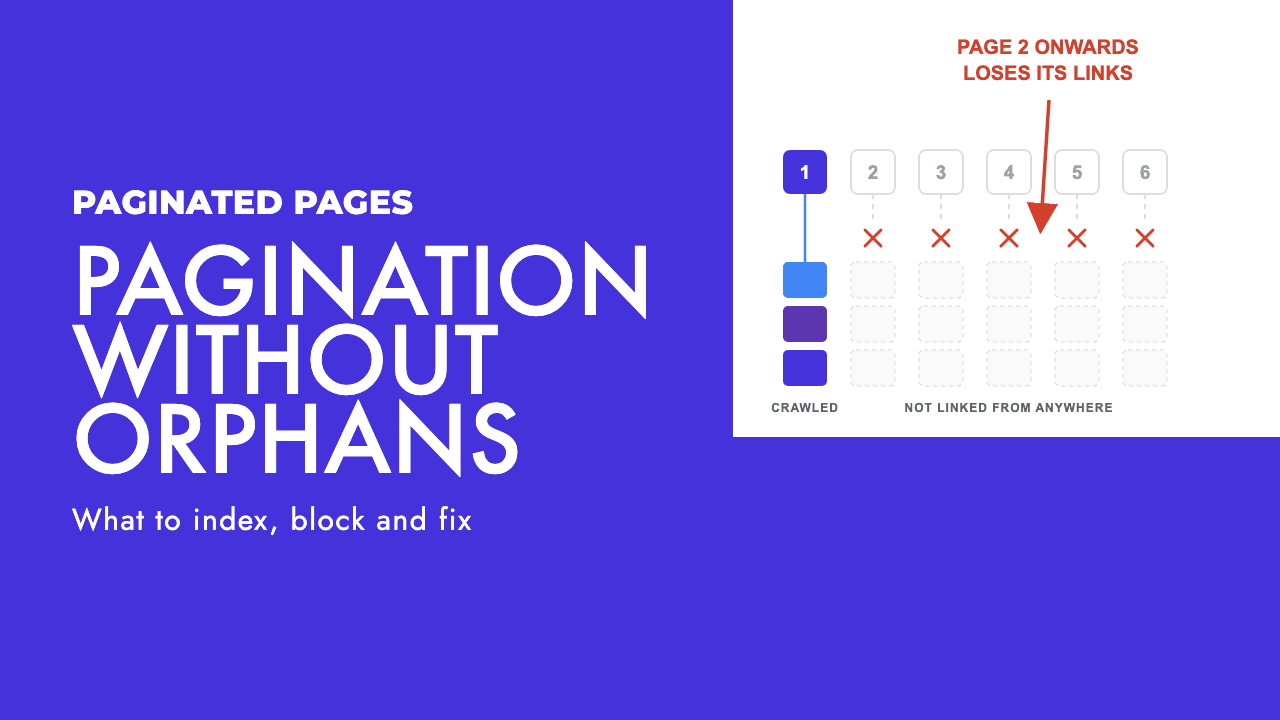
A page with no internal links from anywhere on the site is a page you have told Google not to care about. You may not have meant it, but that is what the site says.
Sitemap inclusion is not a substitute. A sitemap is a list of URLs you claim exist, not a vote for any of them. If the only route to a page is the XML file, Google will find it, log it under discovered or crawled, and give it the weight the rest of the site gives it, which is none.
Link every page you want indexed from at least one page that is already indexed and regularly crawled: a hub, a related-posts block, a line in the navigation. Not a footer dump of 200 links, which says roughly the same as no links at all.
On sitemap hygiene: Google's crawl guide recommends the lastmod tag for updated content, and the corollary is that stamping today's date on every URL on every deploy tells Google nothing.
What a realistic fix cycle looks like
The report lags. Google's documentation says validation typically takes up to about two weeks and in some cases much longer.
So do not judge a fix in three days. If you consolidated 60 pages on Monday, Thursday's report describes the site as it was before you started.
Work in batches and log them. Fix one category at a time (orphaned pages this week, the duplicate cluster next, the rendering issue after that) and start validation on each batch separately. Change everything at once and you learn nothing about which change did it.
Check back at two to three weeks, and again at a month. If a batch has not moved by then, you aimed at the wrong cause, usually by fixing the plumbing on a page Google had already judged.
That is the whole method: an afternoon on the technical table, a look at the canonical, then the quality question with no flinching. If you would rather someone else ran the afternoon, that is what our technical SEO work is for, and a free SEO review will tell you how many of your not-indexed URLs are plumbing and how many are pages that should never have been built.
Frequently asked questions
Is crawled, currently not indexed a penalty?
No. It is not a manual action and there is nothing to appeal. Google's definition is that the page was crawled but not indexed and may or may not be indexed later. In practice it is a judgement that the page did not earn a place, often because it is thin, near-identical to other pages on the site, or the site as a whole is weak. It clears when the page or the site improves, not when you resubmit it.
What is the difference between crawled and discovered, currently not indexed?
Crawled means Google fetched the page and chose not to keep it. Discovered means Google knows the URL exists but has not fetched it, and Google says it postponed the crawl to avoid overloading the site. On a site with over a million pages, or tens of thousands changing daily, that can be crawl capacity. On a small site it almost never is; the likelier reason is that Google does not expect the page to be worth the fetch.
Does Request Indexing or an instant indexing service fix it?
Not for this status. Google's own definition says there is no need to resubmit, the URL Inspection tool has a daily limit and states that submitting does not guarantee indexing. The Indexing API only accepts pages with JobPosting or BroadcastEvent markup, so general instant indexing services cannot be using it as advertised. IndexNow is real but Google is not a supporting engine, so it helps Bing and others, not Google.
How long should I wait before deciding a fix has not worked?
Google says validation in the page indexing report typically takes up to about two weeks and can take much longer, and the report itself lags behind what Google has actually done. Judging a fix after three days tells you nothing. Work in batches, log the date each batch went live, start validation for that batch, and check back after two to three weeks. If nothing has moved after a month, the fix was probably aimed at the wrong cause.