
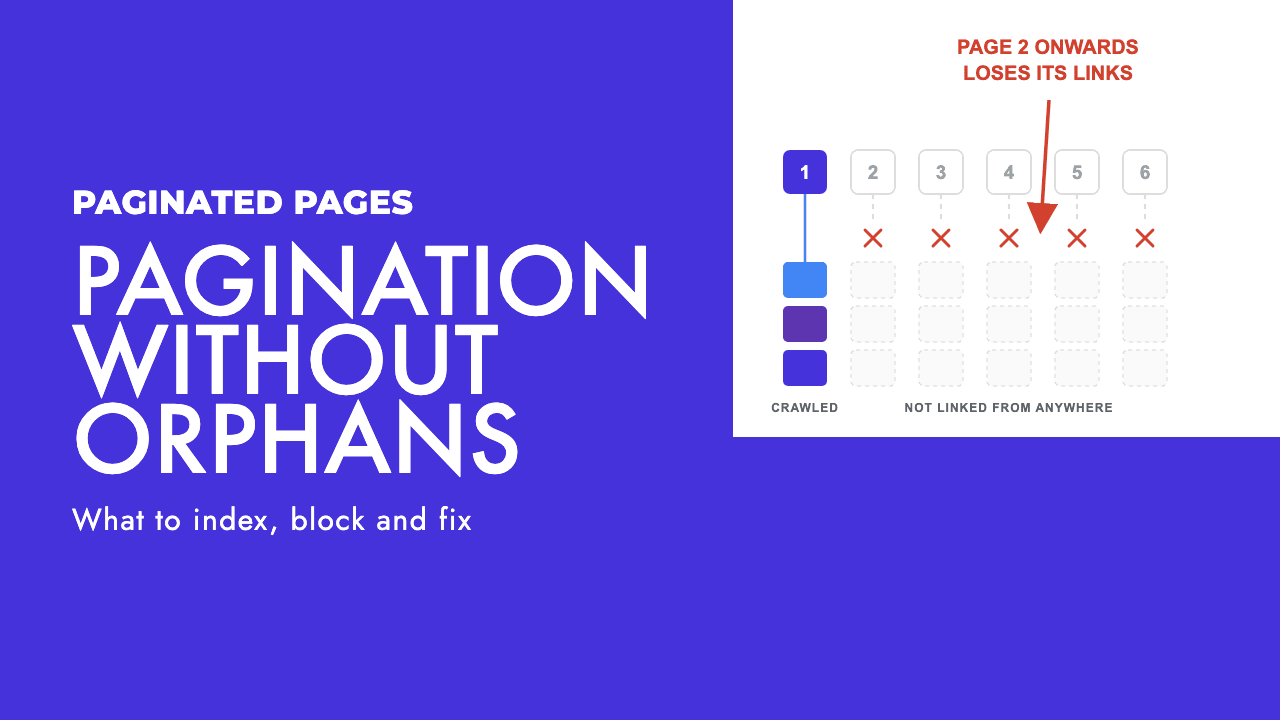
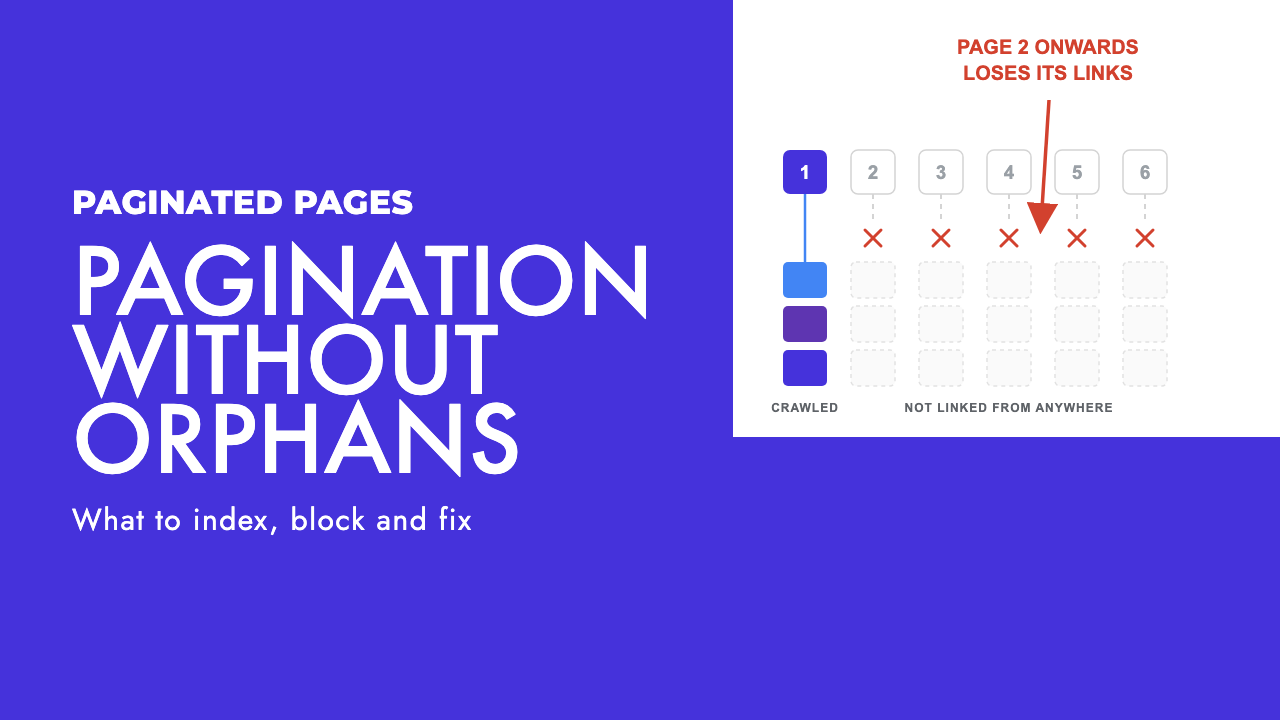
A clothing shop with around 400 products, 24 per category page. Page 1 of the dresses category ranks fine. Pages 2 to 6 were canonicalised to page 1 by a plugin three years ago, and the products on them have not had a working internal link since.
The page that loses is not the listing. Nobody searches for "dresses page 4". The page that loses is the product, which is the only URL on the site that can rank for that product's name, and it is now reachable only through a sitemap entry and a listing Google has been told to treat as a duplicate of page 1.
That is the version of pagination SEO that matters on most sites, and it is close to the opposite of what the advice says. The advice was written for retailers with millions of URLs and a genuine crawl budget problem. It then gets copied onto 400-page sites, where the crawl budget problem does not exist and the "fix" creates the real one.
So the question is not "should paginated pages be indexed". The question is "can a crawler reach every item in this list without clicking or scrolling".
What Google actually says about paginated pages
Google's own guidance on pagination and incremental page loading is short, and most of it is about links, not index control.
- Give each page in the sequence its own URL, for example with a
?page=nquery parameter. Google treats each URL in a sequence as a separate page. - Link from each page to the following page with
<a href>tags. In Google's words, its crawlers don't "click" buttons. - Do not put the page number in a fragment. Google ignores fragment identifiers, so a link to
#page=2may never be followed. - Do not use the first page of the sequence as the canonical for the rest.
- Pages in a sequence can share the same titles and descriptions. You do not need to write unique copy for page 7.
- Google no longer uses
rel="next"andrel="prev", although other search engines may still read them. - If you want filtered or sorted variants out of the index, use a noindex robots meta tag, or discourage crawling of those patterns with robots.txt.
The rel=next/prev point has a history. On 21 March 2019 Google said it had not been using the markup as an indexing signal for a number of years, and formally retired it (Search Engine Journal). Any audit tool that still flags missing rel=next/prev is flagging nothing.
Notice what is absent from that list. There is no instruction to noindex page 2. There is no instruction to block pagination in robots.txt. Both are things people do to paginated pages, and neither is something Google asks for.
Canonicalising page 2 to page 1 is the most expensive mistake
It is also the most common one, because it looks tidy. One category, one canonical URL, and the duplicate title warnings vanish from the audit tool.
A canonical tag tells Google that the tagged page is a duplicate of the target. Page 2 of a category is not a duplicate of page 1. It lists different products. John Mueller said this plainly on Reddit back in February 2019: "Page 2 isn't equivalent to page 1" (Search Engine Journal, 28 February 2019), and Google's pagination documentation now states it as a rule.
Two things can happen when you do it anyway.
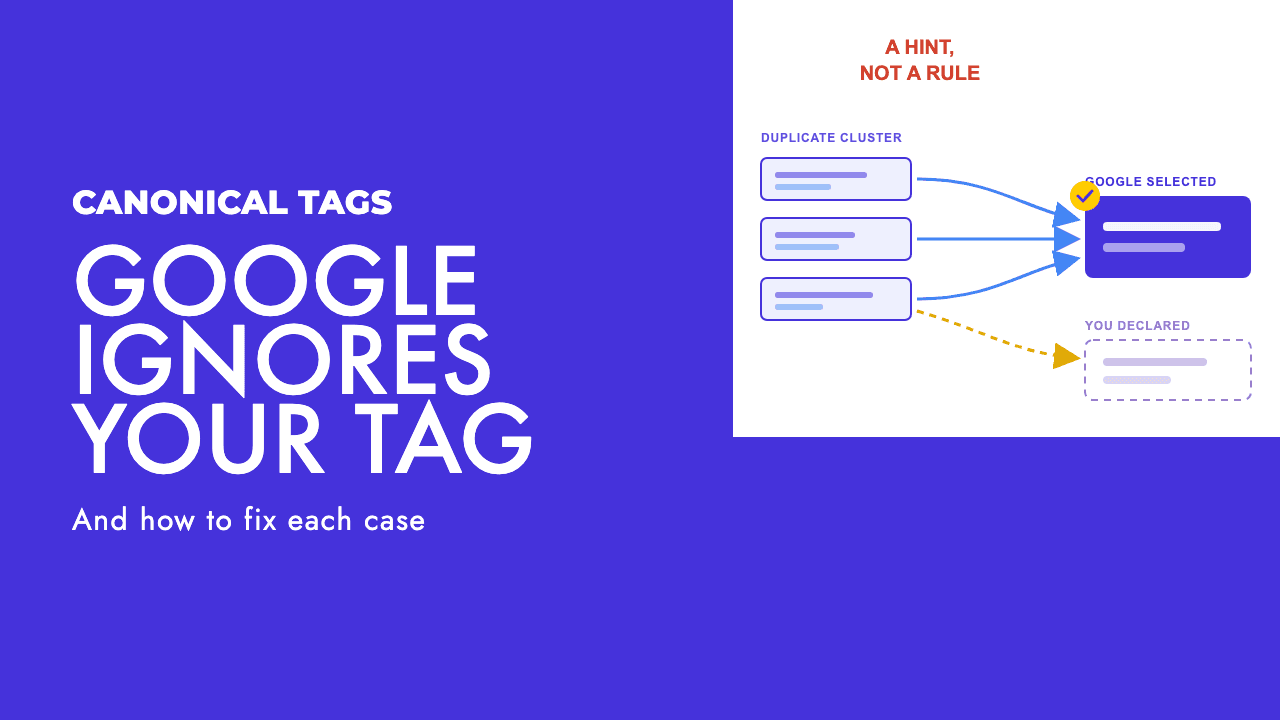
The first is that Google ignores the tag, because the pages are visibly different, and you have taught it that your canonicals are unreliable. We covered the mechanics in why Google ignores your canonical tag.
The second is that Google accepts it. Page 2 drops out of the index, and Google's faceted navigation guidance notes that a canonical pointing elsewhere "may, over time, decrease the crawl volume" of the non-canonical URL (Google). The products that were linked only from page 2 lose the one internal path they had.
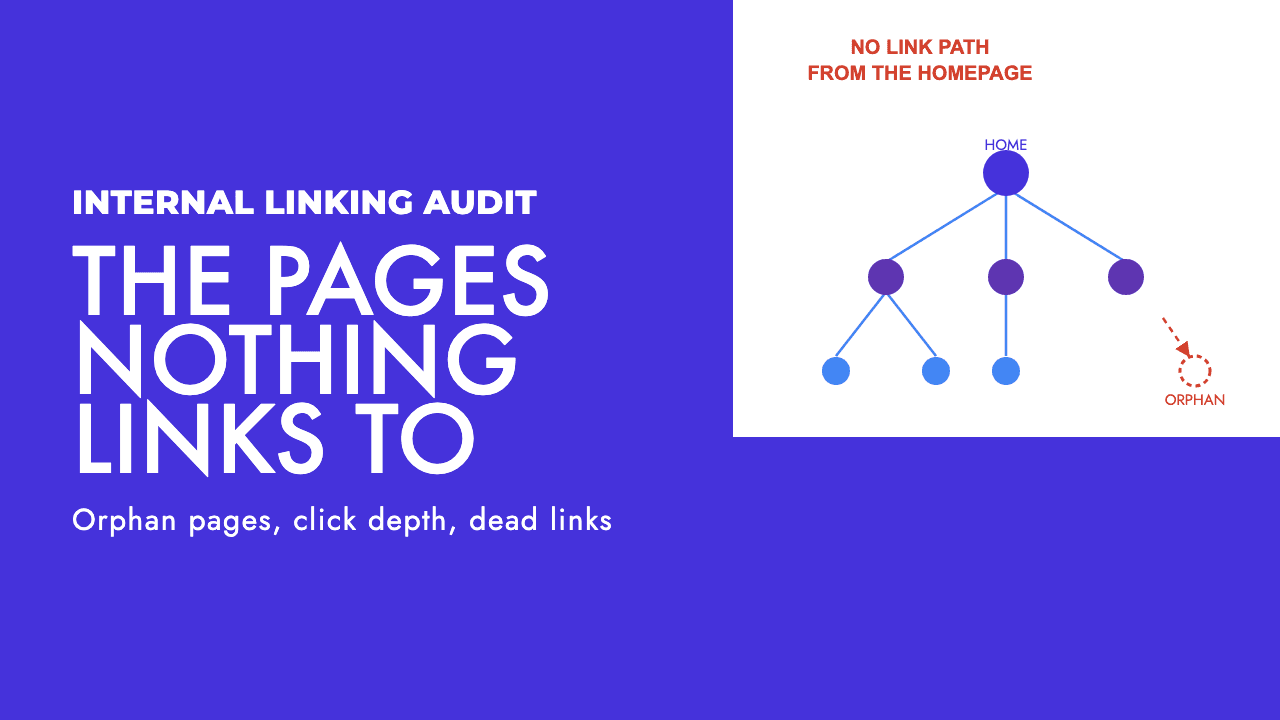
That is the trade. You removed a near-duplicate listing nobody searches for, and in exchange you orphaned the product pages that earn the money.
The fix is a self-referencing canonical on every page in the sequence, so /dresses?page=3 carries:
<link rel="canonical" href="https://example.com/dresses?page=3">
If sort order or a tracking parameter creates variants of page 3, those variants canonicalise to the clean page 3. Never to page 1.
Should page 2 onwards be indexed?
There is no universal answer, and anyone offering one is usually reasoning from a different site type than yours. A rule of thumb by site type:
Ecommerce categories. Leave them indexable. The deeper pages rarely rank for anything and that is fine. Their job is to be crawled and to pass links to products. In our experience a page that stays noindexed gets crawled less over time, which is exactly what you cannot afford on a product listing.
Blog and news archives. Indexable, self-canonical, and stop thinking about them. Archive page 9 will never rank. It exists so a three-year-old post has an internal link from somewhere other than the sitemap.
Forum threads and comment pagination. Indexable. Page 3 of a long thread is often the page with the answer, and it is unique content.
Sort and filter variants of a paginated list. This is the one case where noindex or a robots.txt rule earns its place, covered below.
Mueller's 2019 test still holds: ask whether a page in the series brings any value on its own, and if not, noindex it. Our read is that on most small and mid-size sites the honest answer is "no, but I still need it crawled", and noindex does not give you that. Indexable and unloved is the right default. It costs nothing on a site Google already crawls comfortably. Noindex costs you links.
Load more buttons and infinite scroll
From a crawler's point of view, "load more" and infinite scroll are the same thing. Items beyond the first batch arrive only after JavaScript runs in response to a user action, and Google's crawler performs no user actions. Its lazy-loading guidance is explicit that the supported methods "don't rely on user actions, such as scrolling or clicking, to load content" (Google).
The pattern that works has three parts, all from that same document.
- Every batch of items gets its own persistent URL, such as
/dresses?page=3. Use absolute page numbers, not relative ones like?date=yesterday. - Those URLs are linked sequentially with real
<a href>links in the server-rendered HTML, so a crawler that never scrolls can still walk the whole sequence. - When the user scrolls and a new batch becomes the main content, the page updates the address bar with the History API, so a shared link lands on the right page.
In practice the "load more" control on /dresses?page=2 is an anchor in the server HTML, not a button:
<a href="/dresses?page=3" class="load-more">Load more</a>
JavaScript intercepts the click, fetches the next batch and appends it. The crawler reads the href and follows it.
The pattern that quietly deletes your catalogue is the one many themes ship by default: a <button> with no href, an onclick that fetches /api/products?offset=24, and no paginated URL anywhere. Page 1 shows 24 products. To a crawler the category contains 24 products. If the sitemap is also generated by the same theme, there may be no path to the rest at all.
How to check: URL Inspection in Search Console, test the live URL, open the rendered HTML and search for a product you know is on page 2. Google's documentation recommends the same test. If the product is absent from the rendered HTML, it is absent from Google. The fix is a developer job, usually a small one, and our JavaScript SEO troubleshooting guide covers how to show a developer exactly what the crawler sees.
AI crawlers raise the cost of getting this wrong
Googlebot renders JavaScript, so content that loads on its own after page load sometimes gets through. Nothing else renders at all.
Vercel measured the major AI crawlers against traffic on its own network and reported in December 2024 that "none of the major AI crawlers currently render JavaScript" (Vercel, 17 December 2024). The list included GPTBot, OAI-SearchBot, ChatGPT-User, ClaudeBot, PerplexityBot, Meta-ExternalAgent and Bytespider. Several fetch JavaScript files. None of them execute them. That is the most recent broad measurement we have, not a statement about today, so treat it as a strong prior rather than a certainty.
For pagination it means this: anything in your catalogue that lives only behind a scroll or a button is invisible to every AI assistant that might otherwise recommend one of your products. Real <a href> pagination links in the server HTML are the cheapest form of AI visibility there is.
Our AI crawlers and robots.txt guide covers which bots to allow and which to block. Allowing them is pointless if page 1 is all they can see.
Filters plus pagination: when it becomes a crawl problem
This is where the big-site advice does apply, and where the honest answer is "sometimes that is you".
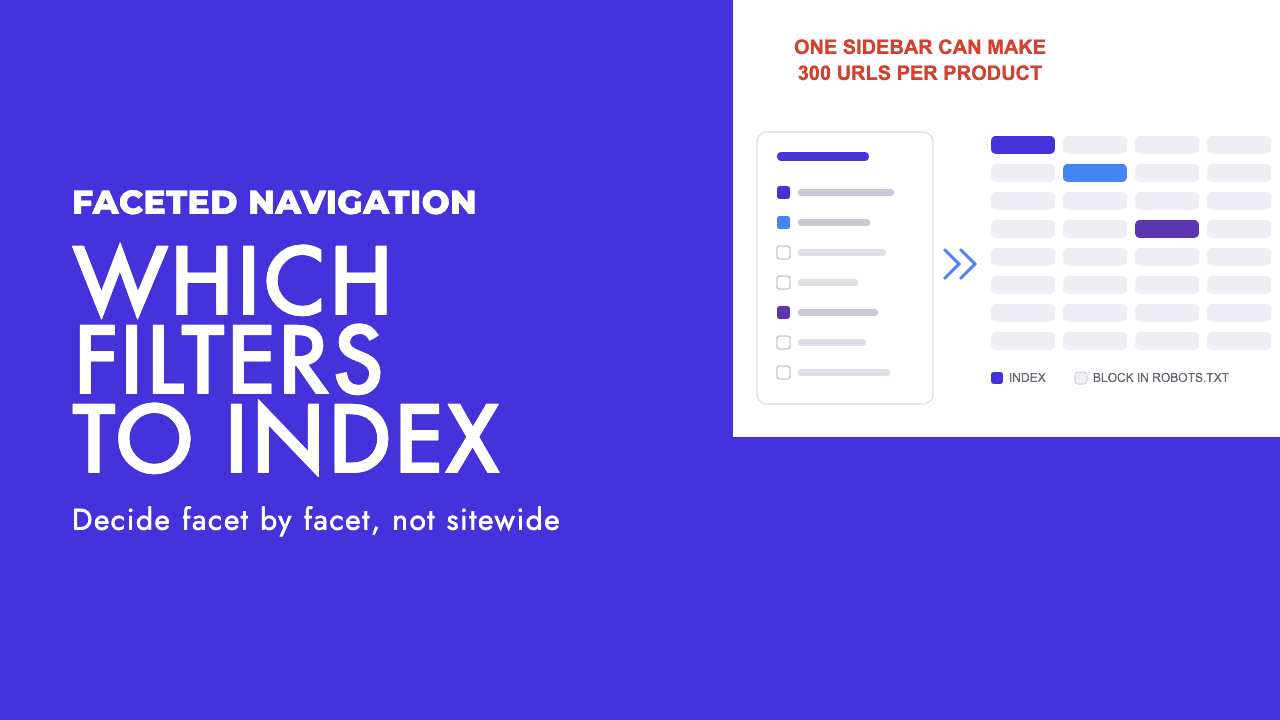
Pagination multiplied by filters is where the URL count explodes. A category with 6 pages, 5 colours, 4 sizes and 3 sort orders is 360 crawlable URLs for the same 144 products. Google's faceted navigation guidance says crawling faceted URLs "tends to cost sites large amounts of computing resources" (Google), and that cost lands on your server before it lands on Google's.
Whether it matters to you is a test Google has already written out. Its crawl budget guide is aimed at large sites of 1 million+ unique pages with content changing weekly, medium sites of 10,000+ unique pages with content changing daily, and sites with a large share of their URLs sitting in the Search Console status Discovered, currently not indexed. Google calls those numbers "a rough estimate", not exact thresholds, and says that if your pages tend to be crawled the same day they are published, you probably do not need the guide at all.
So the test is this. If you are under 10,000 URLs and new pages get crawled within a day or two, pagination is not your crawl problem and robots.txt should stay as it is. If Discovered, currently not indexed is growing and the URLs in it are mostly filter-plus-page combinations, that is evidence, and now you act.
When you act, follow Google's own order of preference from the faceted navigation guidance. Block filter parameters in robots.txt while keeping an unfiltered, paginated listing crawlable. Put filters in a URL fragment if you want them to have no crawl impact at all, positive or negative. Treat rel="nofollow" as the weak option, because every anchor pointing to a URL needs to carry it, and Google rates it as less effective in the long term than blocking. Return a 404 for pagination URLs past the last page and for filter combinations with no results.
User-agent: *
Disallow: /*?*colour=
Disallow: /*?*size=
Disallow: /*?*sort=
The thing to get right is that the rule blocks filters and never pagination. A lazy Disallow: /*?* catches ?page=2 as well, and you are back to orphaned products, with the added problem that a blocked URL cannot even deliver a noindex. We go through which filter pages deserve to be indexed in faceted navigation SEO.
An audit you can run in an afternoon
A browser, Search Console and a crawler you already own will cover all of it.
| Check | How to check it | What good looks like |
|---|---|---|
| Items reachable without JavaScript | Disable JavaScript in the browser, open a category, count the products and look for page links. | Page links exist as <a href> in the raw HTML and lead to ?page=2, ?page=3 and so on. |
| Page 2 content in the rendered HTML | Search Console URL Inspection, test live URL, view rendered HTML, search for a product you know is on page 2. | The product link is present. |
| Canonical on paginated URLs | View source on ?page=3 and read the canonical tag. |
It points to ?page=3. Never to page 1. |
| Robots meta on paginated URLs | Read the <meta name="robots"> on page 2 onwards. |
No noindex. Noindex appears only on sort and filter variants, if at all. |
| robots.txt | Test /dresses?page=2 and /dresses?colour=red against the live file with a robots.txt tester. |
Pagination allowed. Filters blocked only if you have evidence they are wasting crawl. |
| Page numbers in the URL, not a fragment | Inspect the actual href on the next-page link. | ?page=2, never #page=2. |
| Beyond the last page | Request ?page=999. |
A 404, not a 200 showing an empty list or page 1 again. |
| rel=next/prev warnings | Any audit tool complaining about missing markup. | Ignore them. Google retired it in 2019. |
| Orphaned products | Crawl the site, export product URLs with zero internal inlinks, compare to the sitemap. | Zero products reachable only from the sitemap. |
If the first two rows fail, fix those before anything else. The rest is tuning; those two decide whether your catalogue exists.
If you would rather hand it off, pagination and JavaScript reachability are a standard part of our technical SEO work, and a free SEO review will tell you whether your deeper pages are reachable at all before you commit to anything.
Frequently asked questions
Should I noindex paginated pages?
On most small and mid-size sites, no. Google does not ask for it, and in our experience a page that stays noindexed gets crawled less over time, which weakens the only internal links your deeper products or posts have. Leave paginated URLs indexable and self-canonical. Save noindex for sort and filter variants, where it keeps near-duplicates out of the index without cutting off anything that needs crawling.
Should page 2 use a canonical tag pointing to page 1?
No. Google's pagination documentation says not to use the first page of a sequence as the canonical, and John Mueller made the same point in 2019: page 2 is not equivalent to page 1 because it lists different items. Give every page in the sequence a self-referencing canonical. If sort or tracking parameters create variants of page 3, canonicalise those to the clean page 3, not to page 1.
Does infinite scroll hurt SEO?
Only when it is the sole way to reach the items. Google's crawler does not scroll or click, and the AI crawlers measured by Vercel in December 2024 did not render JavaScript. Give every batch its own URL such as ?page=3, link those URLs with real anchor tags in the server HTML, and update the address bar with the History API as the user scrolls. Infinite scroll then becomes a presentation layer over normal pagination.
Does Google still use rel=next and rel=prev?
No. Google said on 21 March 2019 that it had not been using the markup as an indexing signal for a number of years, and its current pagination documentation states that it no longer uses the tags. Other search engines may still read them, so leaving the markup in place does no harm. An audit tool warning about missing rel=next/prev is not a finding worth acting on.