
The ticket usually reads the same way. The canonical tag is correct, it has been correct for weeks, and Google is still indexing the wrong URL.
Usually the tag is fine. The rest of the site is arguing with it, and Google is settling the argument.
What Google actually promises when you set a canonical
Nothing. That is the honest answer, and it is written down.
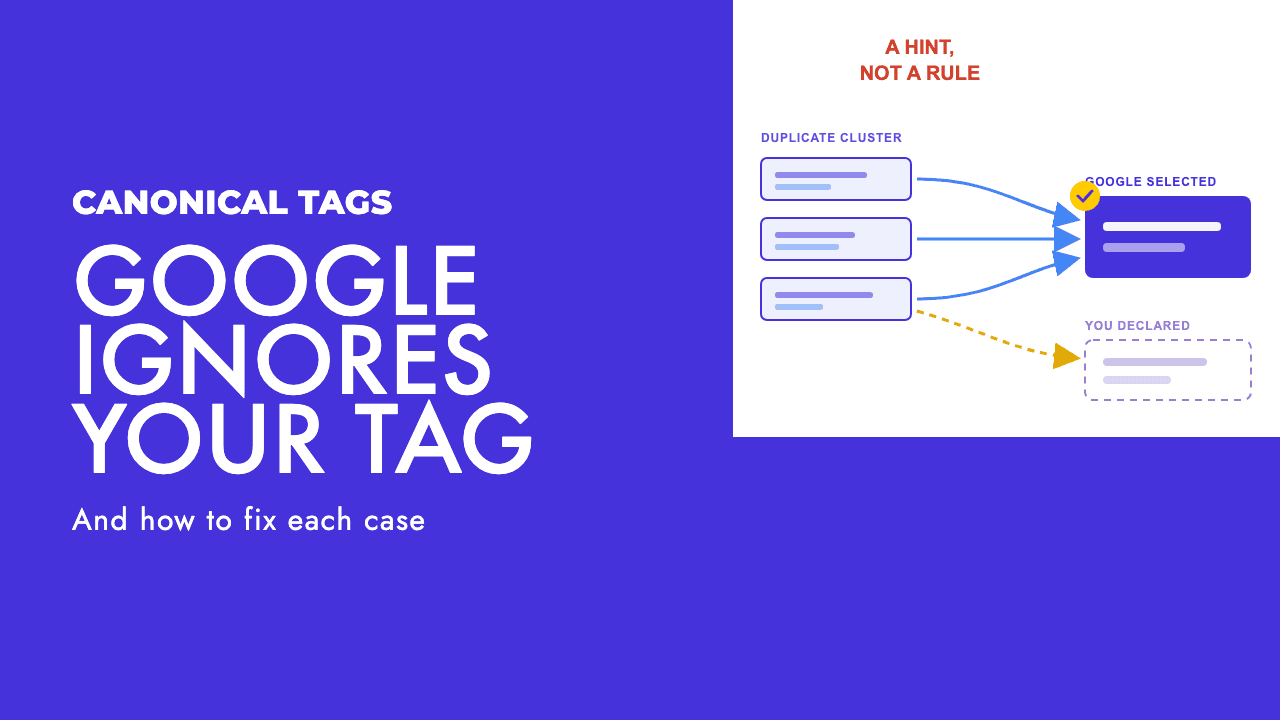
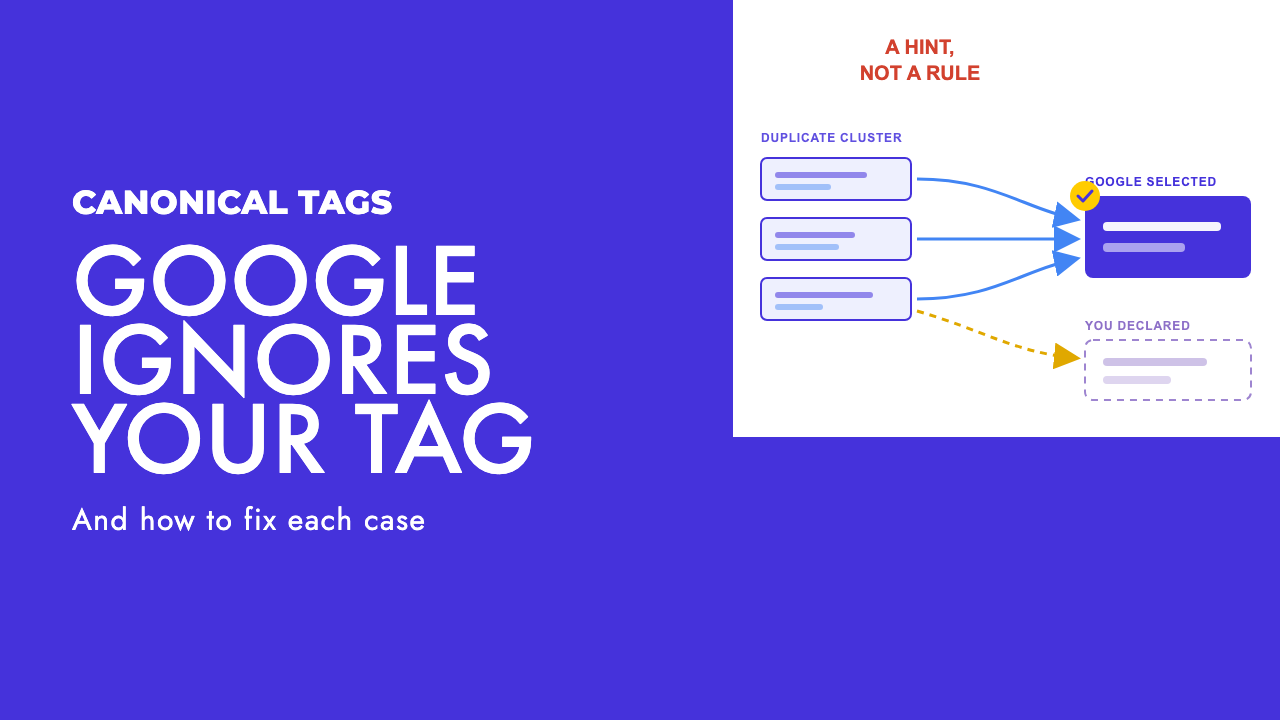
Google's canonicalization documentation says that "indicating a canonical preference is a hint, not a rule", and that Google "may choose a different page as canonical than you do, for various reasons" (Google Search Central). The same page explains the mechanism: Google clusters pages with identical or very similar primary content, then picks the one that is "objectively the most complete and useful for search users".
Note the word objectively. Google is not reading your preference and deciding whether to honour it. It is scoring a group of URLs and your tag is one input to that score.
The weighting is public too. Google's guide to consolidating duplicate URLs ranks the signals it uses, and calls a redirect "a strong signal that the target of the redirect should become canonical", rel="canonical" "a strong signal that the specified URL should become canonical", and sitemap inclusion only "a weak signal" (Google Search Central). Google also defaults to preferring HTTPS over HTTP and favours URLs inside an hreflang cluster.
Redirects and canonicals are both described as strong. In practice they behave differently, and the difference matters: a redirect removes the duplicate from the web, so there is nothing left to argue about. A canonical leaves both URLs reachable, serving the same content, and asks Google to pick the one you nominated. That is why redirects settle disputes that canonicals do not.
John Mueller put the limitation plainly back in 2018: "We use multiple factors when determining the canonical for a page, a rel=canonical isn't a guarantee, so ultimately that can happen" (Search Engine Roundtable). He was answering someone whose canonical was competing with conflicting pagination tags, which is still the shape of most of these problems.
The three Search Console statuses, and which one is actually a problem
The Page indexing report has three duplicate-related statuses and they get treated as interchangeable. They are not. Only one of them describes an overruled declaration.
| Status | What Google says it means | Action needed |
|---|---|---|
| Alternate page with proper canonical tag | The page is an alternate of another page and "correctly points to the canonical page, which is indexed, so there is nothing you need to do" | None. This is consolidation working |
| Duplicate without user-selected canonical | The page "doesn't indicate a preferred canonical page", so Google chose another page and will not serve this one | Add a canonical, or decide the page should not exist |
| Duplicate, Google chose different canonical than user | The page "is marked as canonical for a set of pages, but Google thinks another URL makes a better canonical" | Investigate. Your declaration was read and rejected |
Those descriptions are Google's own, from the Page indexing report documentation.
The second row is a tagging gap and usually a quick fix. The third row is the interesting one, because it tells you Google found your tag, parsed it, and disagreed anyway. Chasing the first row wastes time that belongs to the third.
Worth separating this from the other large bucket in that report. If pages are sitting in crawled, currently not indexed rather than a duplicate status, canonicalisation is not your problem and canonical changes will not move them.
Find out which URL Google actually picked
Before changing anything, get the facts out of Search Console rather than guessing from the HTML.
Inspect the URL and read two fields. The documentation defines them precisely: "User-declared canonical" is "If your page explicitly declares a canonical URL, it will be shown here", and "Google-selected canonical" is "The page that Google selected as the canonical (authoritative) URL when it found similar pages on your site" (Search Console Help).
Three outcomes, three different jobs:
- The two fields match. Working as intended, whatever else the report says.
- User-declared is empty. Your tag is not reaching Google at all. Check the rendered HTML, not the source.
- The two differ. Google read your tag and overruled it. Now you look for the contradiction.
One trap here. The indexed results reflect the version Google last crawled, not the page as it stands today, which is why the documentation warns that "Your page may have changed or become unavailable since Google last saw it". A live test fetches the current page, but it does not check every indexing condition, including duplicate detection, so a clean live test does not mean the canonical dispute is resolved. Teams see a green live test and close the ticket. The indexed data is the data that is ranking.
Why Google overrides you, and what fixes each case
Google documents the specific causes it sees, along with the remedy for each, in its canonicalization troubleshooting guide. Worth reading in full, because several of these are not SEO problems at all.
| Cause | What you see | Fix |
|---|---|---|
| Language variants without localisation annotations | Google collapses your country or language versions into one | Add hreflang annotations so each version is served to the right region |
| Incorrect canonical elements from a CMS or plugin | A canonical you did not write, often pointing at the homepage or a template URL | Inspect the rendered HTML, correct the setting, report the bug to the vendor |
| Misconfigured server | Cross-domain content, or identical soft 404 pages served from unrelated hosts | Fix the server or hosting configuration |
| Hacked site | Injected 3xx redirects or cross-domain canonicals pointing at spam | Treat as a security incident first, canonicalisation second |
| Syndicated content | A partner's copy is indexed instead of yours | Google's guidance is that "Partners should block indexing of your content", not that you rely on canonical tags |
| Scraped or infringing copies | An external site outranks your original | File a DMCA request |
| Genuinely near-identical pages | Thin variants collapse into one winner | Differentiate properly, or merge them |
The last row is the one most teams are actually in, and it is the one they are least willing to accept.
The contradictions teams ship without noticing
When the cause is not on Google's list, it is almost always a signal elsewhere on the site pointing somewhere else. These are the ones worth checking in order.
Case mismatches
Mueller addressed this in October 2025, answering a site whose URLs used capitalised category names while the canonical tags used lowercase: "URL path, filename, and query parameters are case-sensitive, the hostname / domain name aren't. Case-sensitivity matters for canonicalization, so it's a good idea to be consistent there" (Search Engine Journal). His wider point was that hoping Google reconciles the mismatch is not a plan.
Internal links pointing at the non-canonical URL
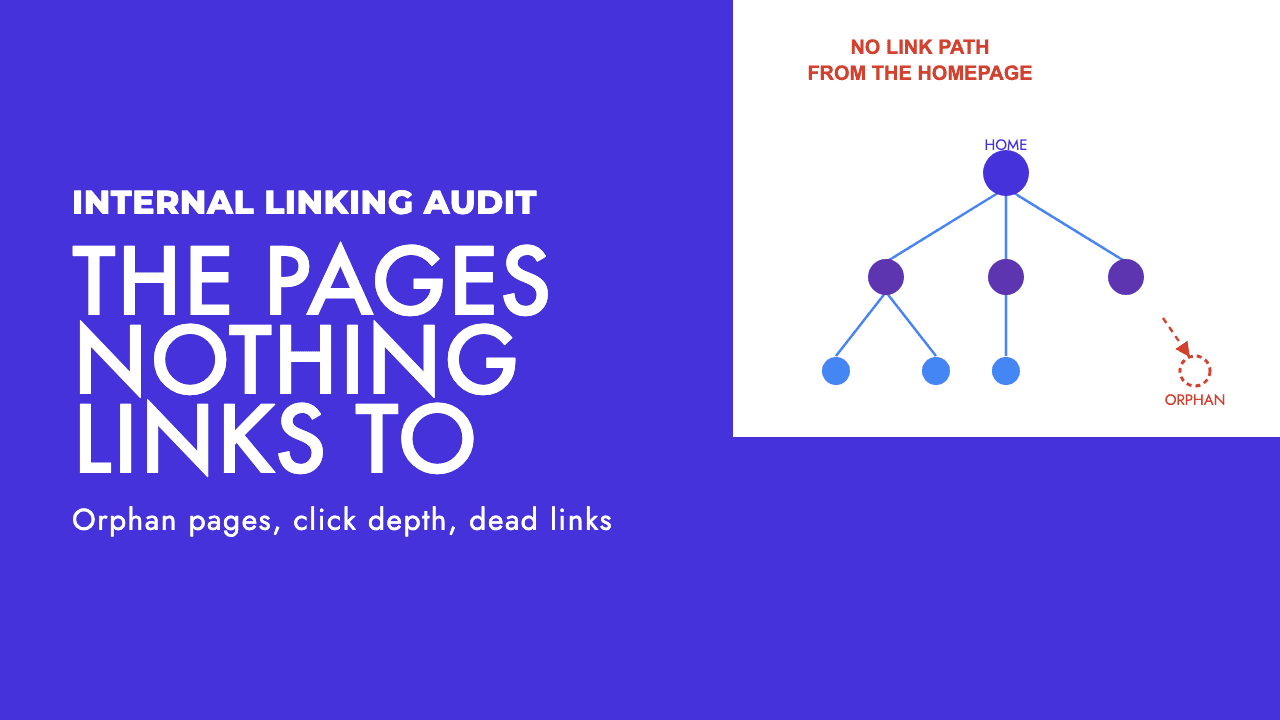
If every navigation link, breadcrumb and related-products module points at the parameterised version while the canonical nominates the clean one, your site's behaviour contradicts its declaration. Google's own do-list includes linking internally to the canonical URL consistently. This is the single most common cause we see, and it is invisible in the HTML of the page you are inspecting, which is why it survives so long. An internal linking audit catches it in one crawl.
Sitemaps listing the URL you told Google to ignore
A weak signal, but a contradictory one, and trivially fixable.
Canonicals injected by JavaScript
If the tag only exists after hydration, you are relying on rendering before Google sees your preference, and a canonical that changes between the raw HTML and the rendered DOM is worse than no canonical. Put it in the server response. Our guide to JavaScript SEO troubleshooting covers how to confirm what Google actually receives.
Canonical plus noindex on the same page
Google's documentation explicitly says not to use noindex to prevent canonical selection. The two mechanisms want different outcomes and stacking them produces neither reliably.
Canonicals on URLs blocked in robots.txt
This one is structural. Google's documentation on blocking indexing warns that for a noindex rule to work "the page or resource must not be blocked by a robots.txt file", because "the crawler will never see the noindex rule" (Google Search Central). A canonical tag is read the same way, from inside the page. Block the URL and your tag is never read. Google's duplicate-URL guide makes the same point from the other direction: do not use robots.txt for canonicalisation.
Redirect chains that end somewhere unexpected
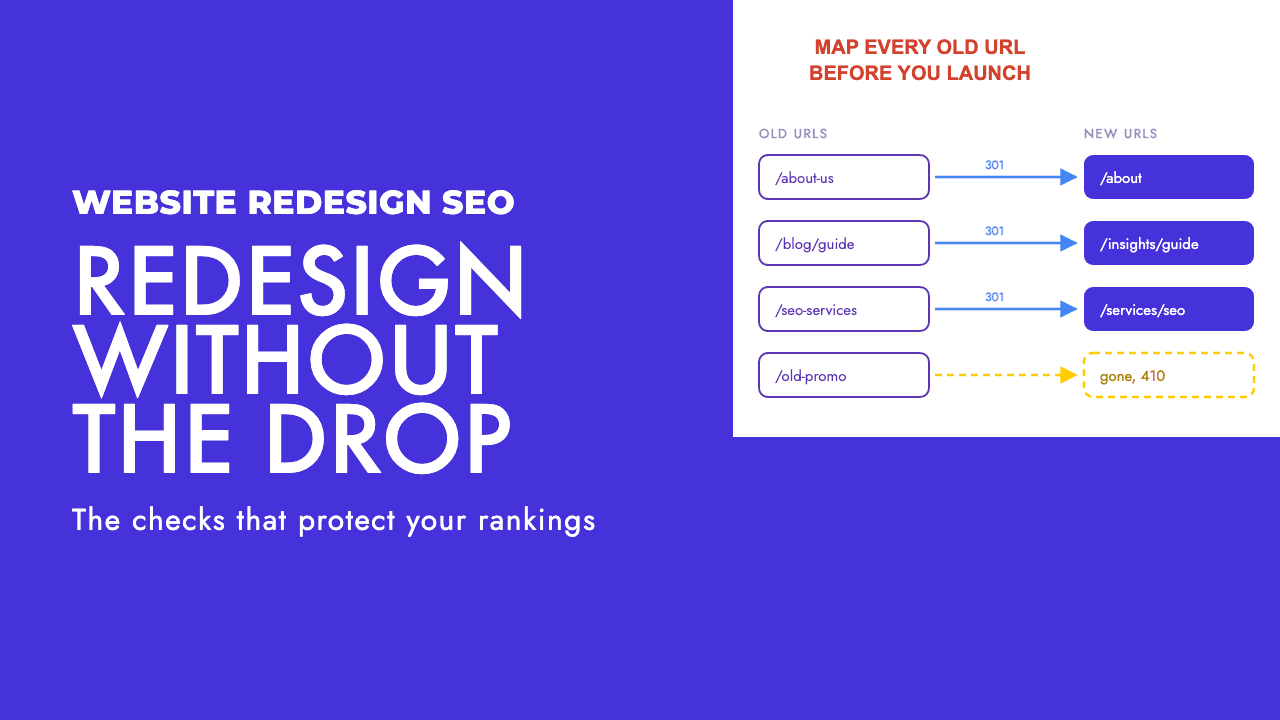
A redirect is a strong signal, so a chain that resolves to a URL other than your canonical will usually win. Worth running the affected URLs through a redirect checker before touching anything else.
Canonicals pointing across an hreflang cluster
Each language version should carry a self-referencing canonical and let hreflang handle the relationship. Pointing the Greek page's canonical at the English one asks Google to drop a page you need indexed, which is the failure mode we covered for multilingual sites and hreflang.
For reference, the two implementations that are correct. In the head:
<link rel="canonical" href="https://example.com/shoes/running" />
And for non-HTML files such as PDFs, as an HTTP header:
Link: <https://example.com/whitepaper.pdf>; rel="canonical"
Absolute URLs, one method per page, never a fragment.
Our take: sometimes Google is right and the fix is to merge
Here is the part that tends to go down badly in client calls.
On a site without much authority, a Google-selected canonical is often a correct verdict. Two product variants that differ by a colour swatch, three location pages with the town name swapped, a filtered view and the category it filters: these are not separate pages that deserve separate rankings. Google clustered them because they are the same page wearing different URLs.
Google's troubleshooting guide starts from exactly this position. Step one is to inspect the URL and consider whether the page Google chose actually serves users better than yours. That question is usually skipped.
We have watched teams spend a quarter trying to force a split that Google is right to refuse, adding a paragraph here and a schema block there, requesting indexing weekly, and getting nowhere. The pages were never different enough to justify two index slots.
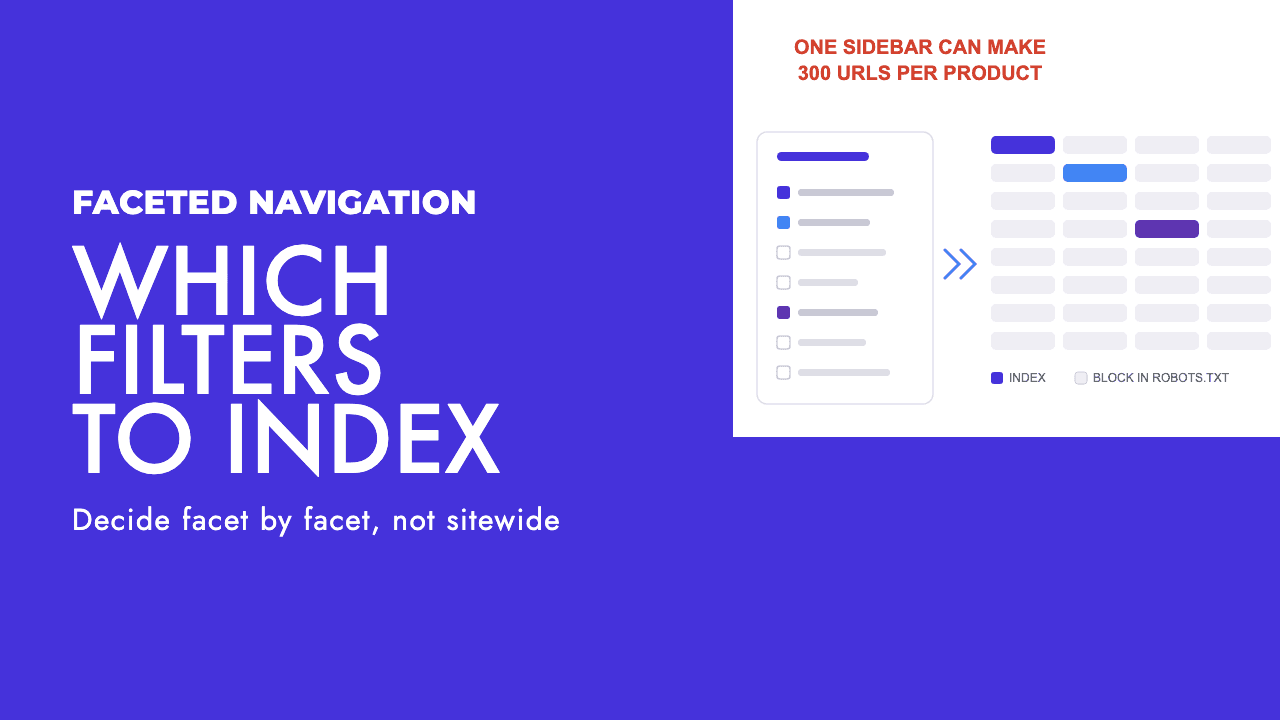
The faster route is to pick the strongest URL, merge the useful content into it, and redirect the rest. One good page beats four thin ones that Google has already decided are one page. This is the same judgement call behind which faceted navigation URLs are worth indexing at all, and the answer is usually fewer than the site currently exposes.
Fight the canonical selection when the pages genuinely serve different intents and you can show it. Accept it when they do not. The skill is telling those two apart honestly, and most audits get it wrong in the optimistic direction.
How long it takes, and how to know it worked
If differentiation is the plan, Google sets the expectation itself: pages "will generally split out faster if the difference between the new content and the other clustered pages is clear and significant", and re-evaluation of a cluster can take up to two weeks.
Clear and significant is doing real work in that sentence. A rewritten intro is not a differentiator. A different purpose, different data, different questions answered is.
After shipping a fix, request indexing on the affected URLs. That prompts a crawl, which is not the same as a decision, and the decision is what you are waiting on.
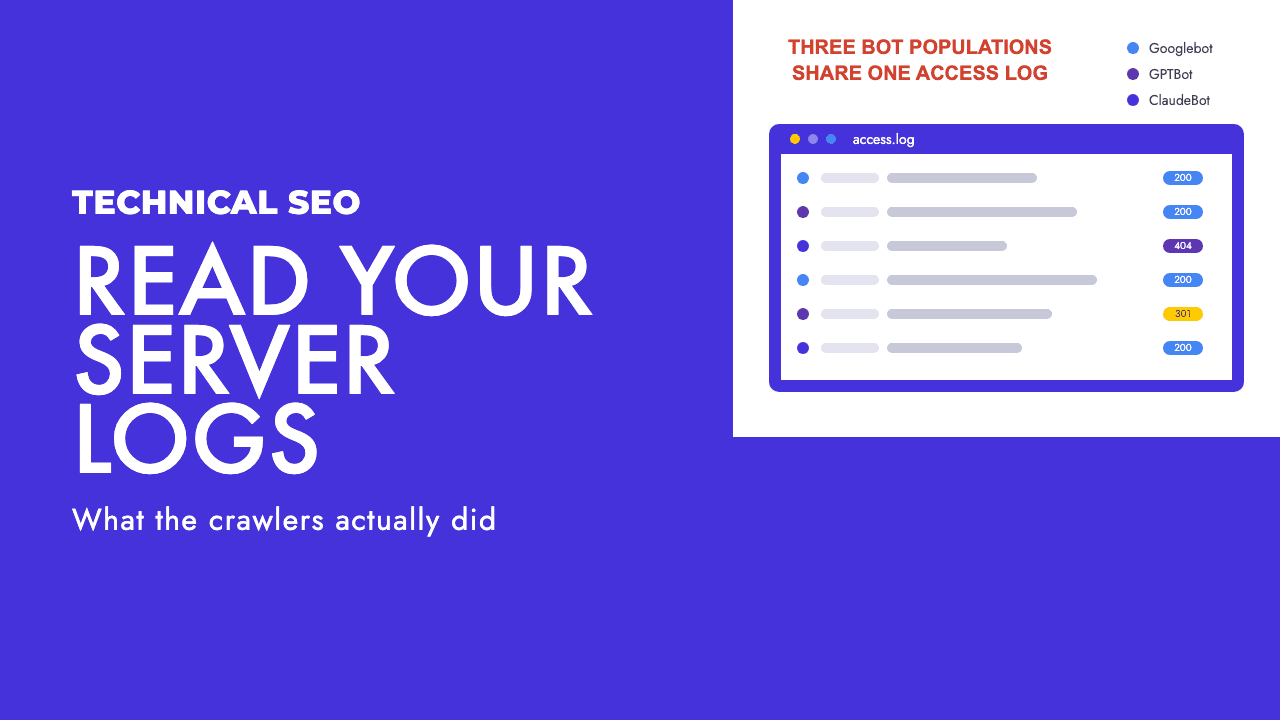
Then verify in this order. Confirm the rendered HTML carries the canonical you intended, not just the source. Re-inspect the URL and check whether Google-selected canonical has moved, which is the only field that tells you anything definitive. Watch the status counts in the Page indexing report shift between buckets rather than watching a single URL. If you keep server logs, confirm Googlebot is actually requesting the URLs in question, because a log file analysis will tell you whether the cluster is being recrawled at all.
If a month has passed and the Google-selected canonical has not budged, stop editing content and go back to the signals. Something on the site is still pointing at the other URL.
The short version
Your canonical tag is a hint and Google says so in writing. It is one signal among several, and it loses to a site whose links, sitemaps and redirects all behave as though a different URL is the real one.
So the diagnosis order is: check what Google selected, find the contradiction, remove it. Not: rewrite the tag and hope.
And when the pages really are the same page, Google is not malfunctioning. It is telling you that you built four URLs where one belonged, and the cheapest fix available is to agree with it.
If you want someone to work out which of your duplicate clusters are worth fighting for and which should be merged, that is what our technical SEO and website audit work does, and a free SEO review is a sensible place to start.
Frequently asked questions
Is rel=canonical a directive or a hint?
A hint. Google's documentation states that indicating a canonical preference is a hint, not a rule, and that Google may choose a different page as canonical for various reasons. The only way to remove a duplicate from consideration entirely is a redirect or a noindex rule. A canonical tag asks Google to consolidate, and Google decides whether to agree.
How long does it take Google to change its canonical choice?
Google says re-evaluation of a cluster can take up to two weeks, and that pages split out faster when the difference between them is clear and significant. Requesting indexing on the affected URLs in Search Console speeds up the crawl, not the decision. If nothing has moved after a month, the signals are still contradicting each other somewhere.
Should I use noindex instead of a canonical on duplicate pages?
They solve different problems. A canonical consolidates signals onto one URL and keeps the duplicate available to users. A noindex removes the page from Search without consolidating anything. Google's documentation specifically warns against using noindex to influence canonical selection, so pick one mechanism per page rather than stacking both.
Does Alternate page with proper canonical tag need fixing?
No. Google's own description of that status ends by saying the page correctly points to the canonical page, which is indexed, so there is nothing you need to do. It is a confirmation that consolidation worked. The status that warrants investigation is Duplicate, Google chose different canonical than user, because that one means your declaration was overruled.