
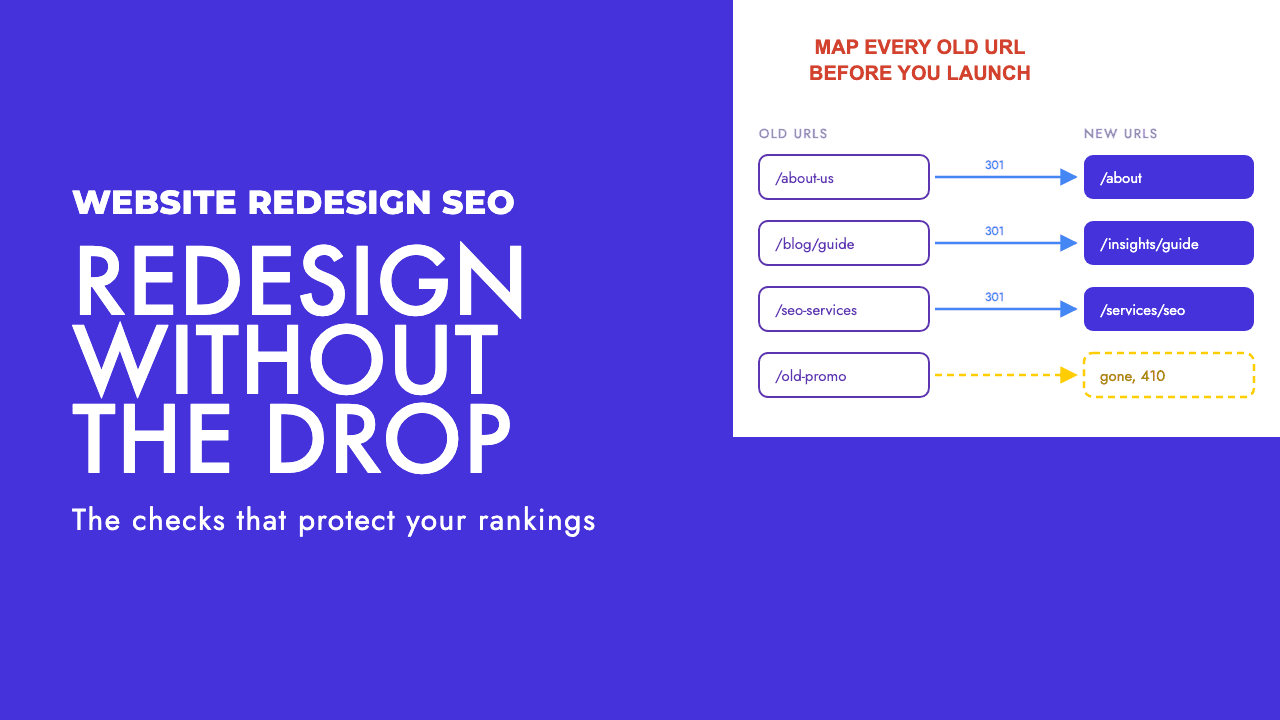
The new site looks better, it launched on the day the agency promised, and three weeks later organic traffic has fallen off a cliff. Nobody in the launch meeting did anything obviously wrong, which is exactly why the post-mortem takes so long.
We have sat through enough of these to know where they end up. Almost every one lands on the same short list of causes, and every item on it could have been checked on staging a fortnight before launch.
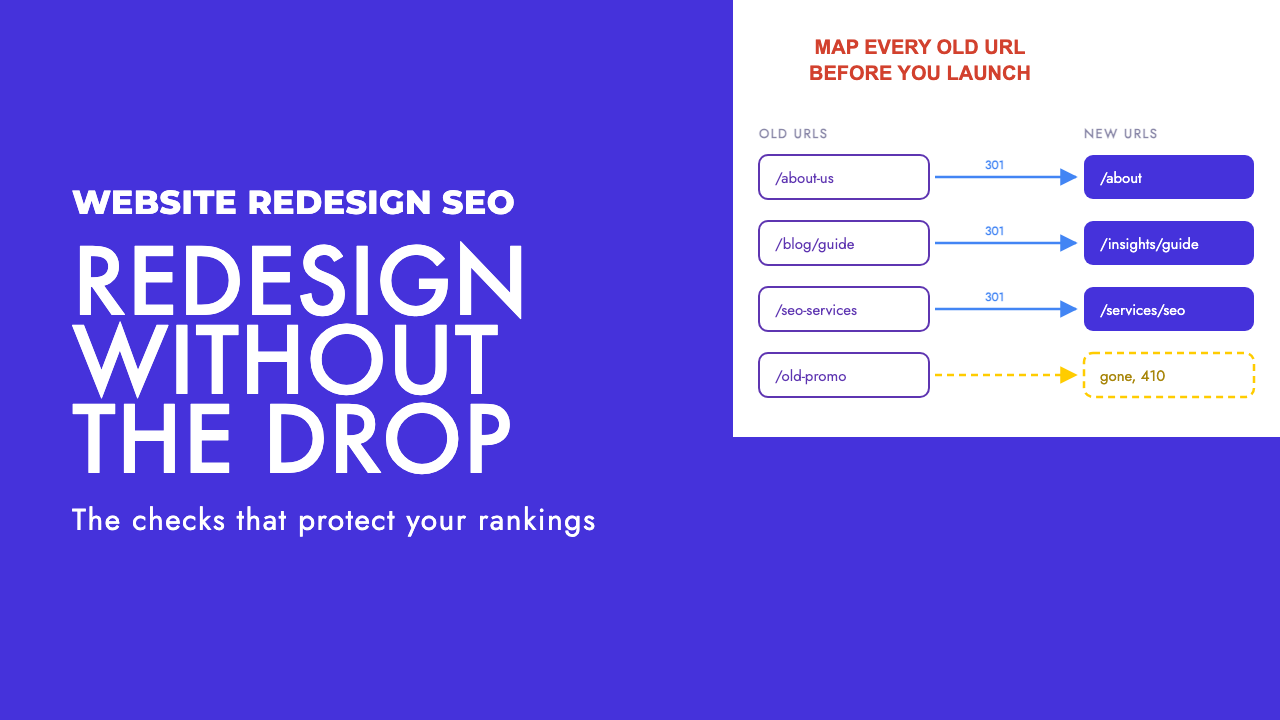
Why the 40-item checklist fails you
Every agency blog has a website redesign SEO checklist. They run to forty or fifty items in no particular order, with "update your title tags" next to "make sure the site is not blocked from crawling" as if the two carry the same weight.
That format is fine in month one. It is useless in the final week, when the launch date is fixed, the developer is closing tickets at midnight and someone has to decide which checks get done. A flat list gives no basis for that decision, so the ones that get skipped are whichever were at the bottom.
Our position is that order beats completeness. A small number of failure modes cause nearly all the damage, they are predictable, and every one is visible before launch. Get those right and the other thirty items are polish.
The failure modes that actually cost traffic
Here is where almost every post-mortem ends up.
Old URLs changed and nobody mapped them, so pages that ranked for years now return a 404 and their inbound links go nowhere. Or the URLs were mapped, but every one was pointed at the homepage.
A noindex tag, a blocking robots.txt or a password prompt that was correct on staging shipped to production with the new design. Canonical tags still point at the old URLs, or at the staging hostname.
The new build renders its content with JavaScript that Googlebot handles differently from a browser. Templates were rebuilt, and the page that used to rank for the money term lost the heading, copy and internal links that made it rank.
A checklist that puts these at the top, and treats any of them unresolved as a reason to move the launch date, is worth more than fifty items in alphabetical order.
The redirect map is built from more than one list
The first thing to say plainly: the redirect map is a pre-launch deliverable. If it is being built in the final week, the launch date is wrong.
The second thing is that a crawl of the live site is not enough. A crawler only finds what is linked, so it misses pages that are still indexed but orphaned, old posts that still earn links from other sites, and the campaign page that still gets traffic from an email footer.
Build the old URL list as the union of several sources:
- A full crawl of the current site, including images, PDFs and paginated URLs
- Every URL search engines have indexed, from Search Console's page reports plus a
site:check - Every URL with external links pointing at it, from whichever backlink tool you use
- Older sitemap files, including ones nobody has updated for years
- Server logs, which catch URLs bots and users still request even though nothing links to them (log file analysis earns its keep here)
Deduplicate, then map every URL to the new page that answers the same question the old one did, rather than the nearest section.
Once the new site is on staging, test the map. Screaming Frog's redirect audit workflow covers it: switch to list mode, upload the old URLs, enable "Always Follow Redirects" in the advanced spider settings, and the redirect chains report returns every uploaded URL with its final response, hop count and any loops.
Anything that ends in a 404, a chain or a loop goes back to the developer that day. For a handful of URLs, our redirect checker does the same job without a crawl.
What counts as a good redirect
Google's guidance on site moves with URL changes is that a small or medium site should move all URLs at once rather than in stages, and keep the redirects in place for as long as possible, generally at least a year. That rules out tidying them up in a few months.
The method matters too. Google recommends server-side redirects, treats an instant meta refresh as permanent and a delayed one as temporary, and says to only use JavaScript redirects if you cannot do the other two, because rendering may fail. A permanent redirect also shows the new target in search results, where a temporary one keeps showing the old URL.
Use 301s, set on the server, even when the CMS makes that awkward. Then there is the question of where each redirect goes, where most of the self-inflicted damage happens.
| Situation | What to do | What teams do instead, and why it hurts |
|---|---|---|
| Page has a direct equivalent on the new site | 301 the old URL to the matching new URL | Redirect to the parent category. The old page's relevance is diluted and its rankings go with it. |
| Page has been merged into another page | 301 to the page that now holds the content, ideally to the matching section | Redirect to the homepage. Google cannot tell which page inherited the old one. |
| Page is genuinely gone with no replacement | Return a 404 or 410 and let it drop out of the index | Redirect it to the homepage anyway. A 404 is visible in reports; a bad redirect hides the loss until traffic tells you. |
| A whole category has been restructured | Map each old URL individually to its new equivalent, even if that means a five-hundred-row spreadsheet | One pattern rule sending everything under the old path to the new hub. Hundreds of pages collapse into one generic destination. |
| URL only changed case, trailing slash or protocol | One server-level rule that normalises the pattern, tested on staging | Nothing, so both versions resolve, or a chain of hops as each rule fires. |
| Page was already redirecting before the redesign | Update the old redirect to point straight at the final new URL | Leave it, so the original URL now hops twice or more. Every extra hop is a chance for something to break. |
Mass-redirecting old URLs to the homepage is the single most common self-inflicted wound we see, and it usually comes from someone wanting no 404s in the launch report. What they get is a site where Google can no longer tell which new page inherited the old one's relevance.
A 404 is more honest than a bad redirect. Google's documentation says 404, 410 and 403 are treated identically: if the URL was previously indexed, the indexing pipeline removes it.
That is a clean outcome for a page that should be gone, and it shows up in a report you can act on. A bad redirect shows up nowhere until the rankings go.
The staging checks worth more than the rest of the list combined
The staging site is where migrations are actually won. Every check below takes minutes, and the one almost everyone skips costs the most.
Robots.txt
Staging sites are usually blocked from crawling, correctly. The failure is that the staging robots.txt, with Disallow: / in it, ships to production with everything else. Open the live robots.txt within a minute of launch and read it yourself.
Noindex and X-Robots-Tag
Same story, two places to look. A <meta name="robots" content="noindex"> in the template, or an X-Robots-Tag: noindex header set at the server or CDN for staging, will strip the entire site from the index in the days after launch. Removing it has to be part of the deployment rather than a task for afterwards.
Canonical tags
New URLs should carry self-referencing canonicals. A template that hard-codes the old domain, the staging hostname or a single canonical for every page quietly tells Google the new pages are copies of something else.
Hreflang
If the site is multilingual, every hreflang annotation needs updating to the new URLs, and the return links need to match. A Greek and English site that changes its URLs and keeps the old hreflang set has broken its own language targeting, which is where international SEO work is most often undone.
Rendering
If the new build is a JavaScript framework, check what Googlebot actually sees. Crawl staging with rendering on and off and compare word count, headings and internal links per page. We covered what goes wrong in JavaScript SEO troubleshooting.
Template parity
Take the twenty pages that bring in the most organic traffic and compare old against new: title, H1, body copy, internal links in and out. Redesigns strip content in the name of cleanliness, and the page that lost its copy is usually the one that loses its rankings.
Launch day order of operations, and the first fortnight
On launch day the order is the same every time.
Deploy, then within the first few minutes confirm the production robots.txt, confirm a sample of pages return 200 with no noindex, and run the full old URL list through the redirect check again on the live domain. Then submit the new XML sitemap in Search Console, and do not panic when it shows few indexed pages on day one.
If the site uses IndexNow, which needs a key file at the site root, push the changed URLs in batches of up to 10,000 per POST. The participating engines are Bing, Yandex, Seznam, Naver, Yep, the Internet Archive and Amazonbot, so Google is not covered, but it costs nothing.
Then watch. For the first fortnight, fix immediately anything that is not a 200 or a single-hop 301: crawl errors climbing in Search Console, unmapped old URLs returning 404, and 5xx responses from a server buckling under launch traffic.
The thing to leave alone is rankings. Do not judge the migration in week one. Ranking wobble in the first fortnight is normal while Google re-evaluates a site whose every URL just changed, and reverting redirects because a keyword dropped a few places on day five is how a recoverable migration becomes an unrecoverable one.
Your redesign also has to survive AI answer engines
This is the part no existing redesign checklist covers. AI answer engines run their own fetchers, on their own schedules, and none of them is Googlebot. OpenAI documents four separate user agents: OAI-SearchBot, which surfaces sites in ChatGPT search, GPTBot, which crawls for training, ChatGPT-User for user-initiated actions, and OAI-AdsBot.
Perplexity documents PerplexityBot, which surfaces and links websites in Perplexity results and is not used to crawl content for foundation models, alongside Perplexity-User, which supports user actions and generally ignores robots.txt because a person triggered the request.
So a migration can be clean for Google and still leave ChatGPT or Perplexity working from your old site for a while. They will follow your redirects when they recrawl, on their clock, and three things follow from that.
First, do not block anything at launch that you intend to be visible in. New builds often ship with a robots.txt that disallows every non-Google bot, as a framework default or a staging leftover. If OAI-SearchBot and PerplexityBot are disallowed, you have opted out of ChatGPT search and Perplexity citations on launch day.
Our AI crawlers and robots.txt guide lists which agents to allow and which you can block without losing visibility.
Second, robots.txt changes take time to land on their side. OpenAI says it can take around 24 hours from a robots.txt update for its search systems to adjust, and Perplexity gives the same figure. Fix a wrong robots.txt an hour after launch and the AI systems may keep working from the version they cached.
Third, keep the redirects live rather than cleaning them up early. Google's year-minimum guidance was written with Googlebot in mind, the AI fetchers revisit less often, and a user-triggered fetcher may request an old URL pasted from a saved chat months after launch. A removed redirect turns that request into a dead end.
None of this needs a separate project. It needs the same redirect map, left in place, and a robots.txt written on purpose.
If you are moving domains rather than just redesigning
Everything above applies, plus one misunderstood tool.
Search Console's Change of Address tool tells Google to emphasise crawling and indexing the new site over the old one. It works at the domain level only, so it cannot be used for path moves, HTTP to HTTPS, or www against non-www, and it does not move subdomains below the specified domain, including www. Each variant needs its own property and move.
The migration signals it carries last 180 days from when you start the move, after which Google no longer recognises any relationship between the two sites. It does not erase the old URLs from the index either; they drop out as the redirects are crawled. If the old domain's redirects go dark because the hosting contract ended, the tool does nothing to save you.
If you are about to sign off a redesign and want someone to build the redirect map, run the staging checks and sit on the launch call, that is our technical SEO work, and a free SEO review of the current site is where we would start.
Frequently asked questions
How long should redirects stay in place after a website redesign?
Google's guidance for site moves is to keep them for as long as possible, generally at least a year. We would leave them permanently unless there is a real cost, because AI answer engines recrawl more slowly than Googlebot and a removed redirect turns any late request into a dead end.
Should old pages redirect to the homepage if there is no equivalent?
No. If a page is genuinely gone, let it return a 404 or 410. Google treats those the same way and removes the URL from the index, which is the correct outcome and shows up in your reports. Redirecting unrelated pages to the homepage hides the loss and dilutes the links pointing at the old page.
When should the redirect map be finished?
Before the launch date is fixed. The map needs old URLs from a crawl, Search Console's indexed pages, backlink data, old sitemaps and server logs, then a destination for each and a test run against staging. If it is being built in the final week, the honest fix is to move the launch.
Do I need the Change of Address tool for a redesign?
Only if the domain is changing. It works at the domain level, so it cannot be used for path changes, HTTP to HTTPS, or www versus non-www. Its migration signals last 180 days, it does not move subdomains, and it does not remove old URLs from the index. Redirects still do the real work.
How long should I wait before judging whether the redesign hurt rankings?
Longer than the first fortnight. Some ranking movement is normal while Google re-evaluates a site whose URLs all changed at once, and reverting things in reaction usually makes it worse. Fix crawl errors, 5xx responses and unmapped 404s immediately, leave everything else alone, and judge once the index has settled.