
Screaming Frog will crawl your site in an afternoon and hand you a tidy list of every URL it found. That is a simulation. Not one line of it proves Googlebot asked for any of those pages, or what your server said when it did.
The access log is the only record of what actually happened. The catch, which most guides skip, is that the reason to open it has changed, and on most modern hosting you may not be able to open it at all.
What a log line actually contains
Every request that reaches your web server gets one line in the access log. Here is an invented but realistic one in the common Apache format:
203.0.113.42 - - [14/Sep/2026:09:12:33 +0300] "GET /products/olive-oil-500ml?ref=nav HTTP/1.1" 200 18342 "-" "Mozilla/5.0 (compatible; Googlebot/2.1; +http://www.google.com/bot.html)"
| Field | Value in the example | What it tells you |
|---|---|---|
| Client IP | 203.0.113.42 | Who made the request. The only field a bot cannot fake without controlling the network. |
| Timestamp | 14/Sep/2026:09:12:33 +0300 | When, in the server's timezone. |
| Method and path | GET /products/olive-oil-500ml?ref=nav | What was asked for, query string included. |
| Status code | 200 | What the server answered. |
| Bytes | 18342 | Response size. Useful for spotting empty pages. |
| Referrer | "-" | Where the request claims it came from. Crawlers usually send nothing. |
| User agent | Mozilla/5.0 (compatible; Googlebot/2.1; ...) | Who the client says it is. Anyone can type this. |
Nginx uses the same layout by default; IIS and load balancers use the W3C extended format, which reorders the fields. Two things matter: the path is the raw request, so you see parameter URLs exactly as the bot sent them, and the user agent is a claim, which we will come back to.
Why crawl budget is probably not your problem
The classic pitch for log file analysis is crawl budget: find where Googlebot wastes its time, cut the waste, and your important pages get crawled more. That was reasonable for a site with two million URLs in 2018. It is mostly theatre for a site with two thousand.
Google's own crawl budget documentation is explicit about who it is for: sites with a million or more unique pages whose content changes weekly, or sites with ten thousand or more pages whose content changes daily. Under those lines, you do not need to think about it. The document also never tells you to analyse your logs. That idea comes from the SEO industry.
Its two concepts are still worth knowing. Crawl capacity limit is Google's cap on the total time your server spends holding connections open for its crawlers, factoring in both the number of parallel connections and their duration. Crawl demand is separate: each crawler has its own appetite, and for Googlebot it varies with site size, update frequency, page quality and relevance compared with other sites.
For a small site, capacity is almost never the constraint. If Google is crawling less than you would like, that is demand, and demand is a quality judgement, the same conversation as crawled, currently not indexed. Logs show the symptom, not the verdict.
For the crawl questions a small site does have, Search Console's Crawl stats report is usually enough. It breaks Googlebot's requests down by response code, file type, crawl purpose (Discovery for first-time fetches, Refresh for recrawls) and Googlebot type (smartphone, desktop, image, AdsBot and so on), covering roughly the last 90 days. Use it first.
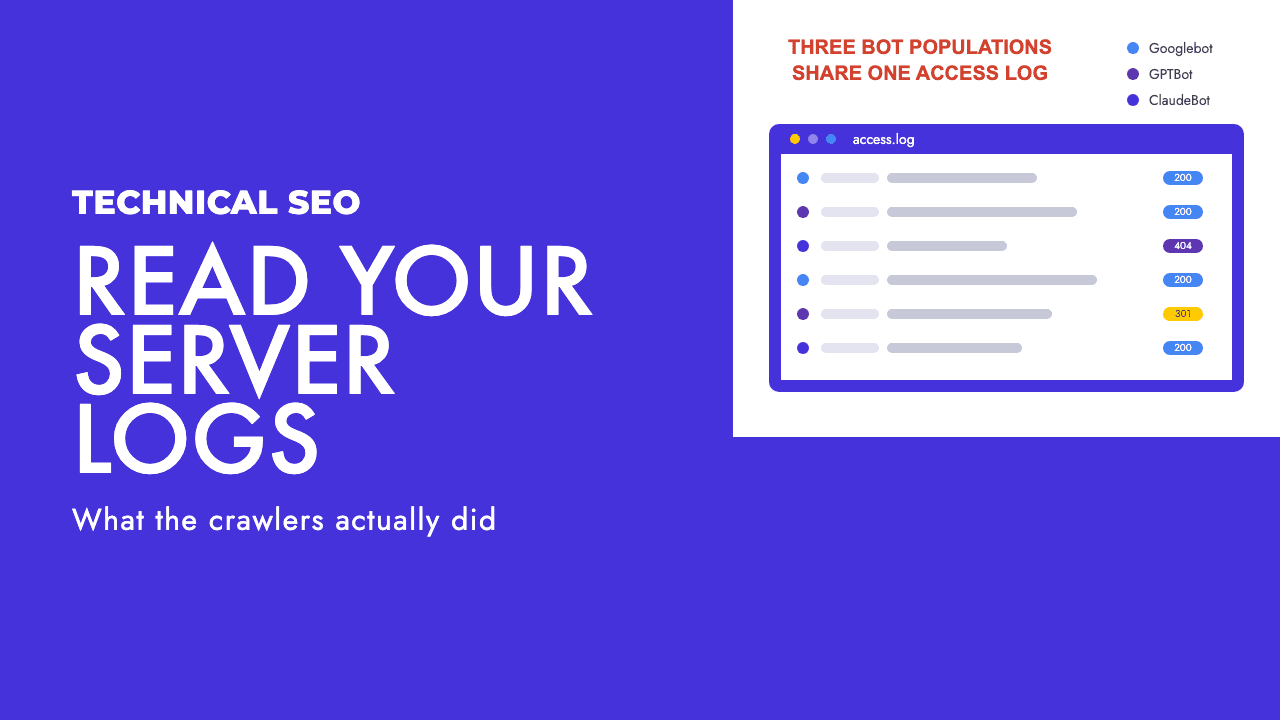
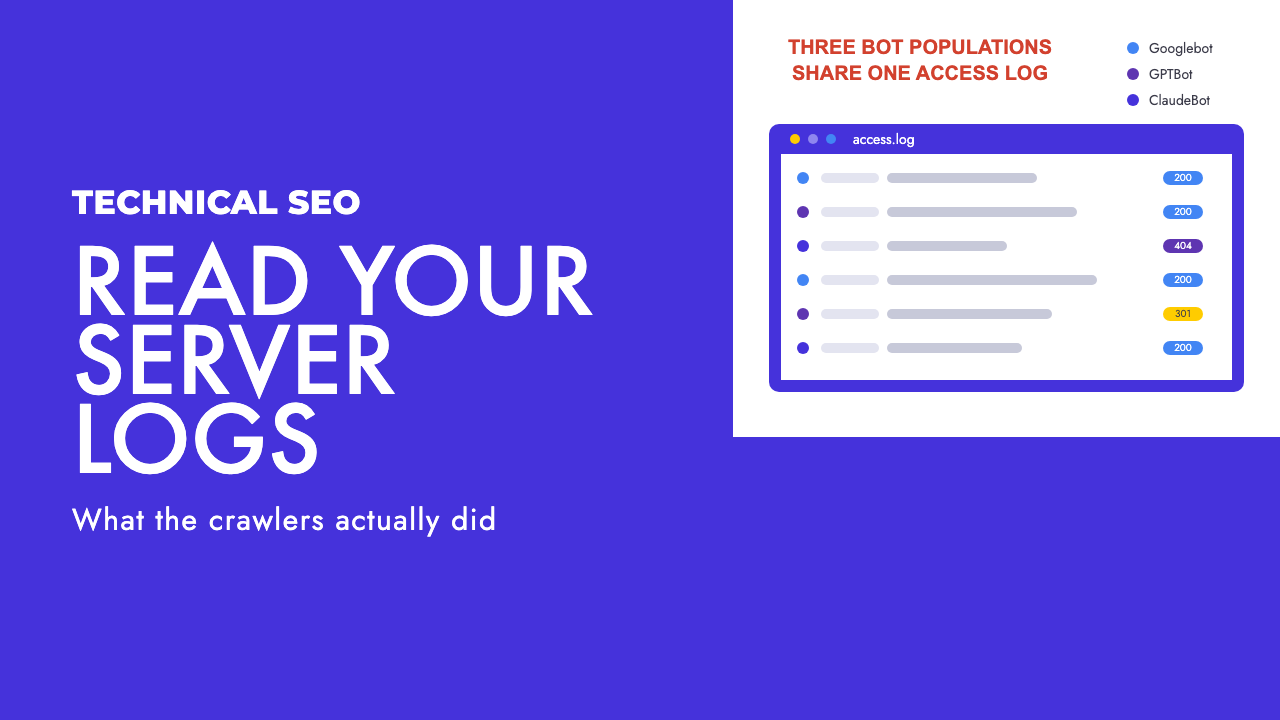
What that report cannot show you is anything that is not Google. The bot population hitting a typical site has fractured into search index crawlers, AI training crawlers, and user-triggered retrieval bots, and all three land in the same access log. None appear in any Google report, and Ahrefs and Semrush do not see them either, because those tools crawl you themselves. That is the honest 2026 case for logs on a small site. First, though, getting hold of the file.
Getting the logs, by host
Every log file guide assumes an Apache box you can SSH into. Almost nobody in Cyprus or the UK runs one.
| Platform | Where the logs are | Practical catch |
|---|---|---|
| Apache or Nginx on a VPS | /var/log/apache2/ or /var/log/nginx/, access.log plus rotated copies | Rotation. Default configs keep a handful of days, so last month is often already deleted. Change retention before you need it. |
| cPanel shared hosting | Metrics, then Raw Access in the dashboard, downloaded as a gzipped archive | Often only the current partial log, plus archived months if you switched archiving on. Many hosts leave it off by default. Turn it on today. |
| Cloudflare (proxied) | Logpush delivers request logs in near real time to a storage bucket or SIEM | Enterprise only. The availability table lists Free, Pro and Business as no. The one exception is Workers Trace Events Logpush on the Workers Paid plan, which covers Workers, not your origin traffic. |
| Vercel | Runtime Logs in the dashboard, covering function and middleware invocations | Retention is short: Hobby 1 hour, Pro 1 day, Enterprise 3 days, and 30 days on either paid tier only with Observability Plus. Static requests only appear when served from cache, so for every static hit you need Log Drains pushing to a third party. |
| Shopify | Nowhere | Shopify does not expose raw access logs to merchants. Log file analysis is simply unavailable. Use the Crawl stats report for Googlebot and accept the blind spot for everything else. |
| Wix, Squarespace and most hosted SaaS | Nowhere | Same answer as Shopify. If the platform does not give you the log, no tool can conjure it. |
The more managed the hosting, the less of the log you get, and the shorter you get it for. Cloudflare in particular now sits in front of a large share of Cyprus and UK sites, so the first server to see a crawler request is one you cannot read below Enterprise, with knock-on effects for AI visibility we covered in Cloudflare blocking AI crawlers. If you are on WordPress with a VPS or cPanel host, set retention to at least 30 days before you do anything else.
Verifying the bot is who it says it is
The user agent is a string the client sends, and scrapers send one that says Googlebot all the time, because plenty of sites whitelist the name.
Google's verification method has four steps. Run a reverse DNS lookup on the accessing IP from your log using the host command. Check that the domain returned is googlebot.com, google.com or googleusercontent.com. Run a forward DNS lookup on that domain name. Confirm it resolves to the same IP you started with. If any step fails, the request was not from Google. The 203.0.113.42 in the example above fails at step one, which is rather the point.
By hand this is tedious, so Google also publishes its crawler IP ranges as JSON in CIDR format: common-crawlers.json for Googlebot, special-crawlers.json for AdsBot. OpenAI publishes ranges the same way, for example gptbot.json.
Two details from Google's crawler list trip people up. Googlebot-News has a robots.txt token but no separate HTTP user agent, so it never appears as its own entry in a log. And Google-Extended, the control for whether your content trains Gemini, has no user agent of its own either: crawling happens under the existing Google user agents, so you cannot see it in a log as a separate thing, and it has no effect on Google Search either way. Google-InspectionTool, by contrast, is easy to spot: it is you pressing a button in URL Inspection or the Rich Results Test.
The three bot populations, and why the distinction is commercial
This table is the reason to open the log at all.
| Bot | Operator | What it is for | What it means for you |
|---|---|---|---|
| Googlebot | Crawling for the Google Search index, with smartphone and desktop variants | Block it and you leave Google Search. | |
| GPTBot | OpenAI | Improving generative AI models. Disallowing it signals your content should not train foundation models (OpenAI) | Blocking it withholds training use. It does not remove you from ChatGPT search. |
| OAI-SearchBot | OpenAI | Surfacing sites in ChatGPT search. OpenAI recommends allowing it and says sites that opt out will not appear in search answers | A visibility decision, not a copyright one. Most businesses want this allowed. |
| ChatGPT-User | OpenAI | Fetching a page when a user asks ChatGPT to visit it, or through GPT Actions | A person wants your page right now. Because it is user-initiated, OpenAI says robots.txt rules may not apply. |
| ClaudeBot | Anthropic | Collecting web content that could contribute to training generative AI models (Anthropic) | The training crawler. Block it if you do not want your content used for training. |
| Claude-SearchBot | Anthropic | Navigating the web to improve search result quality and relevance | The search-side crawler. Blocking it affects whether Claude can find you, not whether you train it. |
| Claude-User | Anthropic | Retrieving website content when a user asks Claude a question | Same shape as ChatGPT-User. Someone asked, and your page was the answer. |
Training crawlers take content and return nothing you can measure. Search crawlers decide whether you get cited. Retrieval bots are a human reading your page through an assistant. Blocking the first is a licensing decision, the second a distribution decision, the third turning away a reader.
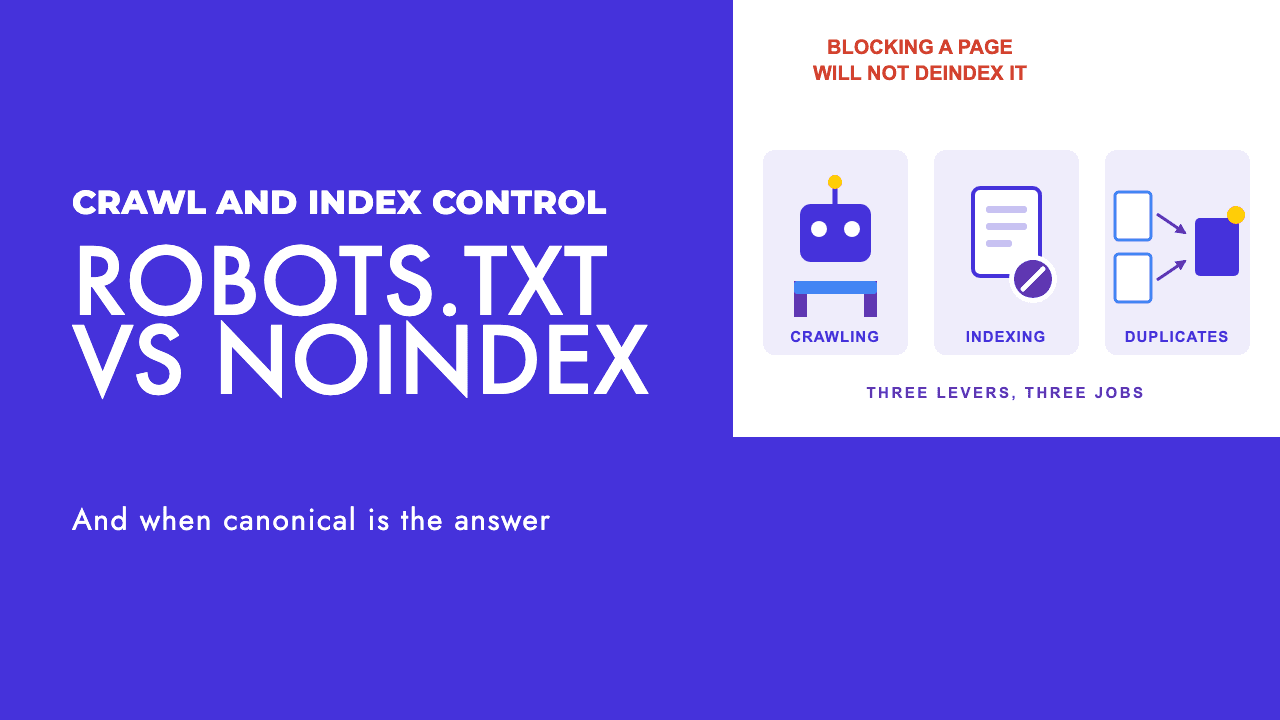
The mistake we see constantly is a robots.txt rule from the "block all AI" wave that disallows every bot with an AI company's name in it. That blocks the training crawler, which may be intended, and the search and retrieval bots, which almost never is. Both companies let you control each bot separately; the specific rules are in our AI crawlers robots.txt guide.
Your log tells you which of these bots actually visit and whether your blocks work. A disallowed bot that keeps appearing is either ignoring the rule or is not who it says it is. Our robots.txt tester checks the rules; only the log shows the outcome.
What to actually look for, in priority order
With a verified log covering a few weeks, work through these in order.
Pages being crawled that should not exist. Filter for Googlebot and sort the paths: parameter URLs, faceted navigation, internal search results, staging subdomains that never got locked down. On a small site this is where the surprises are.
Important pages never requested at all. Diff your money pages against the paths Googlebot fetched. A page not requested in six weeks is usually an internal linking problem, not a crawl budget one.
Status codes served to bots that differ from what you see in a browser. Bots carry no cookies and may come from an IP your firewall treats differently. If Googlebot gets 403s or 5xx on pages that load fine for you, nothing else matters until that is fixed.
Redirect chains. A 301 followed by another request for the target that also returns 301, visible as consecutive lines from the same IP a fraction of a second apart. Each hop is a wasted fetch.
Crawl frequency on money pages versus dead sections. Count hits per path per week. If your top category is fetched twice a month and a 2019 tag archive daily, your internal links are telling Google the wrong story. This needs weeks of data, so it goes last.
A log turns "should be fine" into "was fine on Tuesday at 09:12". That is why we pull logs where we can in a website audit, and say plainly when hosting makes it impossible.
Tools, briefly and honestly
For a site of a few hundred to a few thousand pages, grep and a spreadsheet genuinely do the job. Filter by user agent, cut out the path and status columns, pivot, done.
If you would rather not, the Screaming Frog Log File Analyser is the sensible choice at this scale. It reads Apache and W3C extended formats, covering Apache, IIS and Nginx, plus the Amazon Elastic Load Balancing format, and it verifies search engine bots automatically and shows the IPs spoofing them. The free version is limited to 1,000 log events and one project, enough to learn the tool but not for a real month. The paid licence is 129 euro a year.
It also matches any file with a URLs column against the log, so a crawl from the SEO Spider (the same tool used for custom JavaScript crawling) shows orphan URLs and pages Googlebot never fetched, which is the most useful view in the tool.
Enterprise log platforms exist and cost accordingly; for the sites this post is about, they are not worth it. If you have logs and want a second pair of eyes on what they show, or you are not sure what your hosting exposes, that is a normal part of our technical SEO work, and a free SEO review is a reasonable place to start.
Frequently asked questions
Do I need log file analysis if I already have Search Console?
For crawl budget on a site of a few thousand pages, no. The Crawl stats report shows Googlebot requests broken down by response code, file type, crawl purpose and Googlebot type over roughly the last 90 days, and that answers the question well enough. Logs earn their keep when you need to see the bots Google does not report on, or to check exactly what your server returned to a specific request.
Can I get server logs from Shopify?
No. Shopify, like most hosted SaaS platforms, does not expose raw access logs to merchants. That means log file analysis is simply unavailable on those stores, and any guide that implies otherwise is assuming hosting you do not have. Use the Crawl stats report in Search Console for Googlebot, and accept that you cannot see AI crawler traffic at the request level on that platform.
How do I know a Googlebot request in my logs is really from Google?
Anyone can send a user agent string that says Googlebot. Google's verification method is a reverse DNS lookup on the IP from your log, a check that the hostname ends in googlebot.com, google.com or googleusercontent.com, then a forward DNS lookup on that hostname to confirm it resolves back to the same IP. Google also publishes its crawler IP ranges as JSON files in CIDR format, which is faster at scale.
Should I block AI crawlers in robots.txt?
Decide per bot, because they do different jobs. GPTBot and ClaudeBot gather content that can feed model training. OAI-SearchBot and Claude-SearchBot are how ChatGPT search and Claude find sites to cite, and OpenAI says sites that opt out will not appear in its search answers. ChatGPT-User and Claude-User fetch a page because a person asked for it. A blanket rule blocks all three groups at once, which is rarely what anyone intends.