
A plumber working out of a van gets the same two tips from almost every local SEO guide: rent a virtual office in the next city, and publish a page for every town in the county. Those are the two fastest routes I know to a suspended profile and a filtered website.
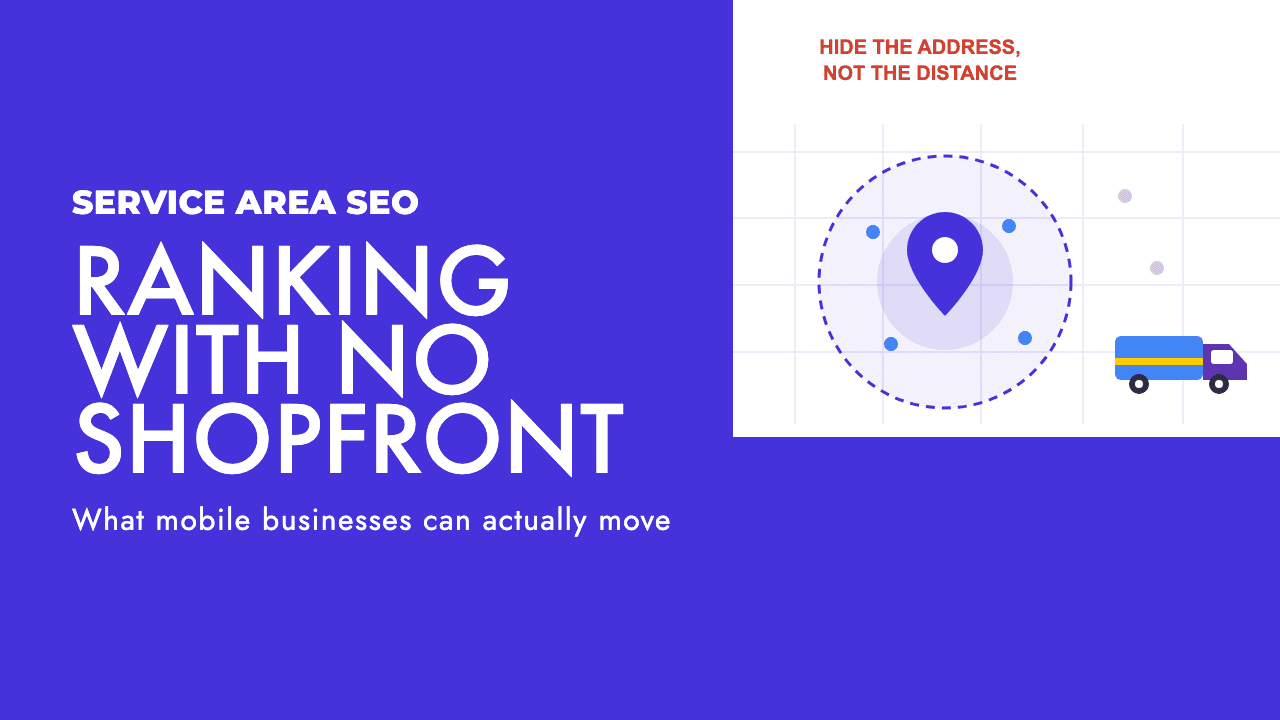
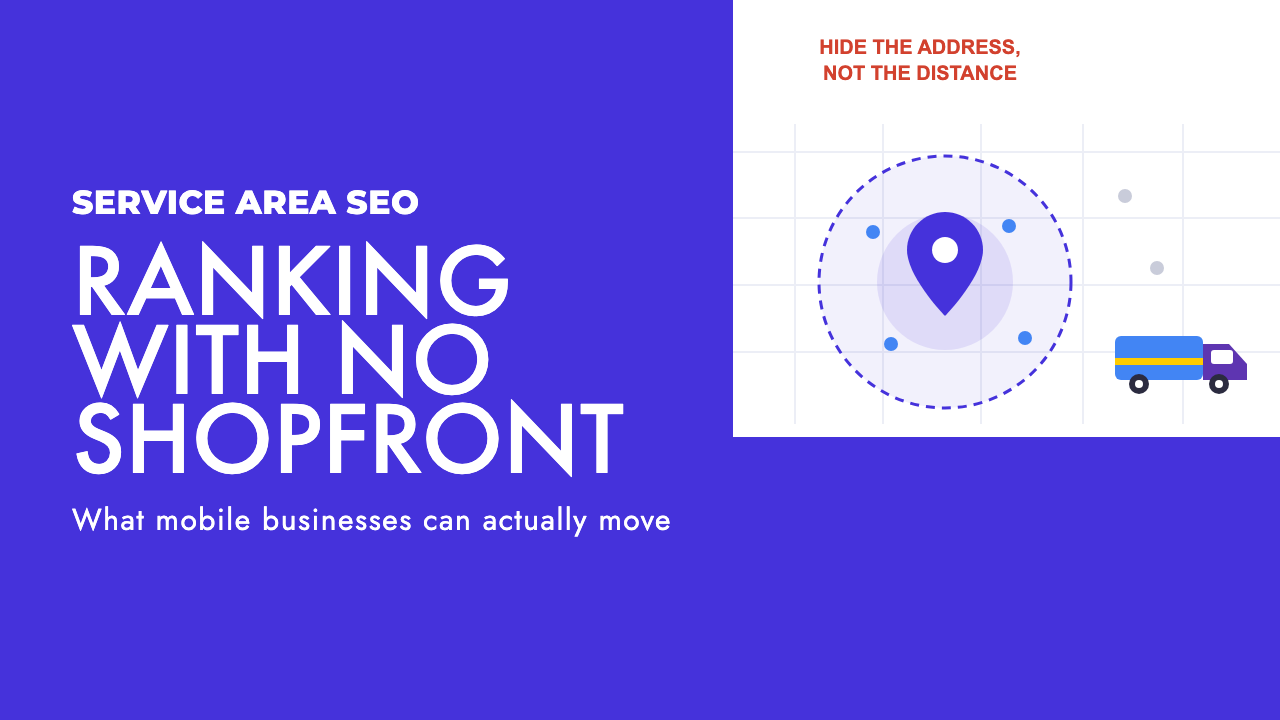
Both tips come from the same mistake, which is treating a hidden address as a handicap. Google requires you to hide it, so hiding it costs you nothing. What caps a service area business is something most guides skip: distance is still measured from the address you hid.
What Google counts as a service area business
Google's definition is about where the customer meets you. If you go to them and they never come to you, you are a service area business. That covers plumbers, electricians, cleaners, mobile dog groomers, pest control, mobile mechanics, event caterers and home-care providers.
The rule that follows is blunt. In Google's words: "If your business doesn't have a storefront where you receive customers, you must hide your business address" (Google Business Profile Help).
The same applies if you are already verified with a visible address and have since moved to a service area model: you are expected to remove or hide it.
Then there is the hybrid case. A locksmith with a staffed shop who also does call-outs, or a caterer with a tasting kitchen customers can book, has both a place and a patch. Google lets that business show its address and a service area on the same profile, on one condition: the location "should be staffed by your team and able to receive customers during its stated hours" (Google's guidelines for representing your business).
Hybrid means one profile showing both. It never means two profiles, one for the shop and one for the van. The same guidelines say not to create more than one page for each location of your business.
The setups that get service area businesses suspended
Most suspensions I see in trades come from someone trying to manufacture a location they do not have. There are three versions of it.
The first is the remote mailbox. Google's guidelines are explicit that "P.O. boxes or mailboxes located at remote locations aren't acceptable" (Google). A mailbox in the city centre does not make you a city centre business.
The second is the unstaffed virtual office. If you rent a mailing address you do not operate from, the guidelines say that location is not eligible for a Business Profile. A virtual office cannot be listed "unless that office is staffed during business hours." A hot desk nobody sits at fails that test, however official the lease looks.
The third is the stuffed business name. Adding a town to the profile name ("Smith Electrical Paphos" when the registered name is Smith Electrical) is against the rules too. Google says "including unnecessary information in your business name isn't permitted", and location details are on its list of disallowed additions, alongside taglines and service descriptions.
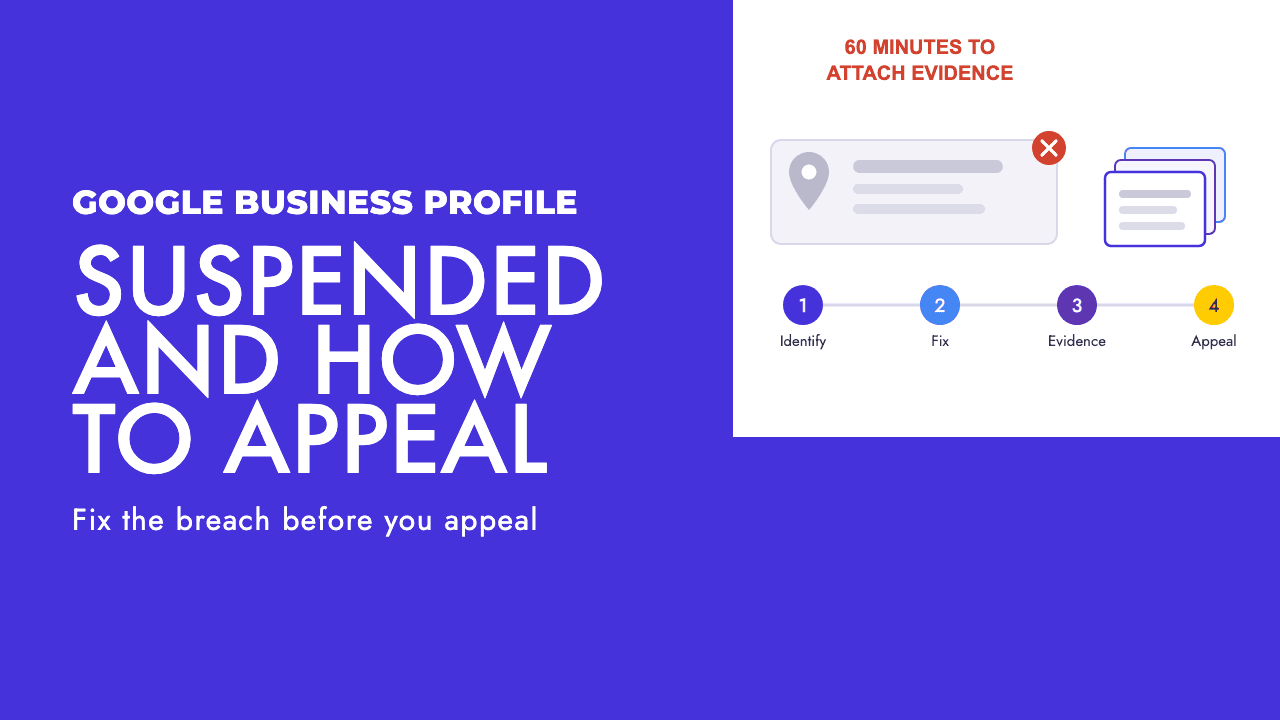
All three work for a while, which is why they keep getting recommended. Then a competitor reports the listing or Google re-verifies, and you are filing a reinstatement instead of taking calls. If that has already happened, our guide to appealing a suspended Google Business Profile covers the process.
Setting your Google Business Profile service area
The setup itself is short. Google says you can set the area "based on the cities, postal codes, or other areas that you serve", and you can add up to 20 of them (Google Business Profile Help).
Two limits apply. The first is size: Google recommends you do not extend the overall area further than two hours of driving time from where you are based, while accepting that a larger area may be appropriate for some businesses.
The second is newer. In June 2025 Google added a line to the same guidance: "Do not add countries or states as a service area". Search Engine Roundtable reported the change on 25 June 2025, after Stefan Somborac spotted it, and noted it is stricter than the existing two-hour guidance (Search Engine Roundtable).
So "Cyprus" is out, and so is "England". List the towns, cities or postal codes you would send a van to tomorrow without complaining about the drive. On an island the size of Cyprus, two hours of driving covers a lot of ground, which is no reason to claim all of it.
The last rule is the one multi-van firms trip over: "Create only one Business Profile for the metropolitan area you serve." Google warns that multiple profiles for the same business in one metro area can lead to suspension. If you have separate, staffed premises in different cities, that is a different situation, and we cover it in local SEO for multiple locations.
Distance is still anchored to the address you hid
Here is the ceiling. Google ranks local results on three things: relevance, distance and prominence. Its definition of the middle one is "how far each business is from the customer who's searching" (Google).
Each business. Measured from where the business is. Nothing in Google's service area documentation says the areas you list change that calculation, and in my experience they do not. The service area tells customers where you will travel. It does not move you closer to anyone.
That has practical consequences for a business with a van and a phone.
You will be strongest around your real base and weakest at the edges of your patch. A competitor based in the edge town starts with an advantage there that no profile edit removes.
So price and prioritise with that in mind. The far towns are where organic visibility is hardest to win, which makes them the places to lean on referrals, ads or a properly built town page rather than expecting the map pack to deliver.
It also means you should not judge your rankings from one search at your own desk. You are sitting at the exact point where your profile performs best. Check from the towns you care about, or ask a customer there what they see.
Passing video verification with nothing to film
Google lists phone or text, email, live video call and mail as verification methods, and says the methods "are automatically determined by Google and can't be changed" (Google). In my experience service area businesses are usually pointed at video.
The usual reaction is that there is nothing to film: no sign above a door, no counter. Google's video verification instructions are written with that in mind, and they ask for three kinds of proof.
- Where you are: film "street signs, nearby landmarks, or other identifiers at your business address". Avoid empty land or places without clear markers.
- That the business is yours: record yourself performing a service or accessing business-only assets, such as opening a van with your branding on it. You can also show a business permit, invoice or utility bill that matches the name on your profile.
- That the business operates: show the professional tools, equipment or products you use. Google's examples include specialised machinery, your workspace, business cards and branded clothing.
The failure I see most often is the empty van. A clean, unbranded vehicle with nothing in the back proves you own a vehicle. Load it as you would for a job, open it on camera, and have a document with the business name within reach before you press record.
Check that document first. If the profile says one name and the invoice says another, fix the mismatch before you film.
Service area pages, and where they become doorway pages
This is where the website side goes wrong. The standard advice is a page per town, generated from a template, with the town name swapped in the heading.
Google's spam policies describe that pattern almost word for word. Doorway abuse is "when sites or pages are created to rank for specific, similar search queries", and one of the listed examples is "having multiple domain names or pages targeted at specific regions or cities that funnel users to one page" (Google Search spam policies).
Twenty town pages that all end at the same contact form fit that example exactly. The same policies describe scaled content abuse as many pages generated for the primary purpose of manipulating search rankings, which is a fair description of a find-and-replace template.
That makes the twenty-page approach a liability: a set of pages matching a named spam pattern, aimed at towns where distance already works against you.
A town page can still earn its place. The test is whether it would survive having the town name removed.
| Check | A page that earns its place | A doorway page |
|---|---|---|
| Why it exists | You regularly do paid work in that town | The town has search volume |
| What is on it | Jobs you did there, with photos and specifics | The service page copy with the town name swapped |
| Local detail | Things only true there: housing stock, water hardness, parking, permit rules | A paragraph about the town anyone could have written |
| Proof | Reviews from customers in that town | The same testimonials as every other page |
| Where it sits | Linked from your main menu or an areas page a visitor can browse | Reachable only from a footer list or the sitemap |
| What it asks for | A booking, with realistic call-out times and any travel charge | A click through to the same generic contact page |
One page built to the left-hand column beats twenty built to the right. It is useful to someone in that town, it gives Google something specific to rank, and it cannot be mistaken for a template.
Relevance and prominence are the levers you own
Distance is fixed. The other two factors are where the work goes.
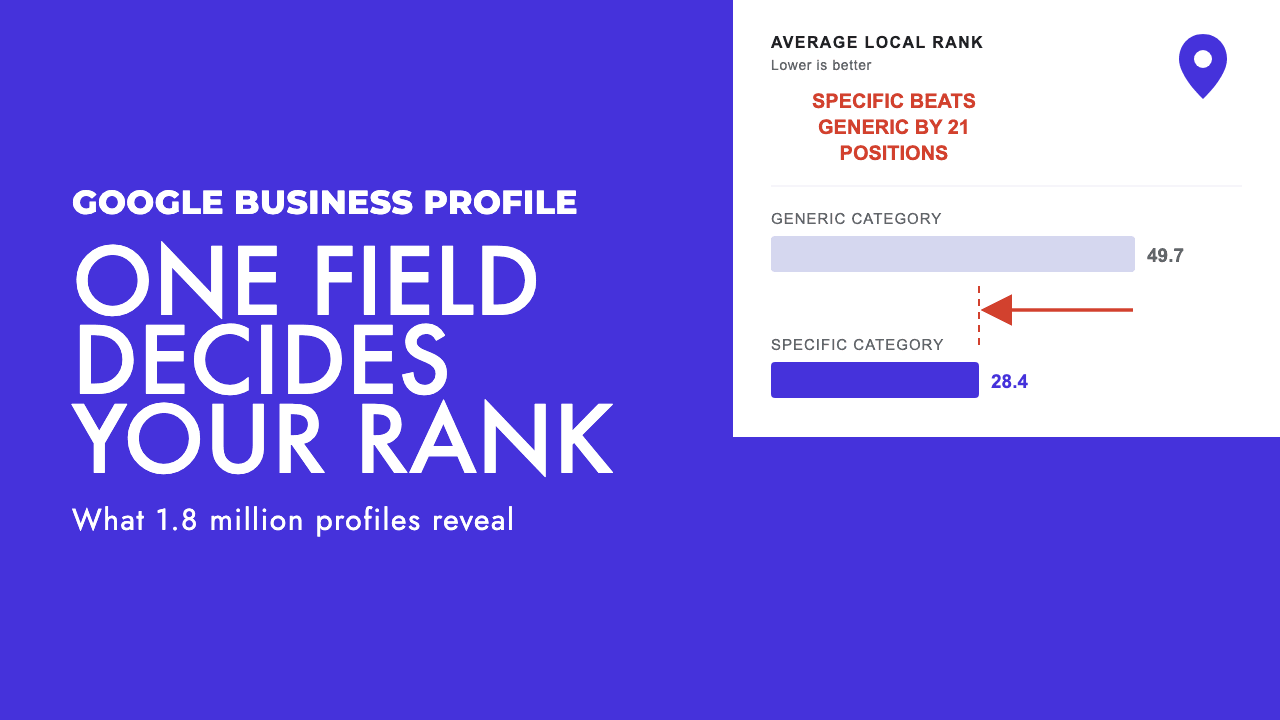
Google defines relevance as "how well a Business Profile matches what someone is searching for" (Google). For a trade, that starts with the primary category, which carries more weight than most owners expect. We have a separate piece on how your Google Business Profile category affects local rankings.
After the category, fill in everything else. Google's own ranking advice covers verifying the business, keeping hours accurate (including special hours), choosing categories and attributes, and adding photos and videos. A half-empty profile gives Google less to match against a search.
Prominence is "how well-known a business is". For a van-based business that comes down to three things.
Reviews come first. Ask every customer, at the point the job is finished, and make it easy with a direct link. Do not offer anything in return. Google's Maps contribution policy says merchants may not offer payment, discounts, free goods or services for reviews, and that incentivised reviews "are not allowed and will be removed from Maps".
The same policy treats reviews from current or former employees as a conflict of interest. Your apprentice's five stars are a risk to the profile.
Second, local links and local press. A mention from the village council site, a supplier's stockist page, a sponsored youth team or a regional paper tells Google the business is known in a place. Our guide to local link building for small businesses goes through the options that suit a trade.
Third, consistent business data. The name, phone number and website on your profile should match what appears on your site and anywhere else you are listed.
One more line from Google worth repeating to anyone selling you a shortcut: "There's no way to request or pay for a better local ranking on Google."
What to mark up on your site
Structured data is the last piece, and it surprises people. Google's LocalBusiness structured data documentation lists two required properties: name and address, where the address is the physical location of the business.
It recommends others, including geo coordinates, opening hours, telephone, URL and price range, and it asks you to use the most specific business subtype available (Plumber or Electrician, for example, in place of the generic type).
areaServed is absent from the properties Google lists as supported. You can include it, and it is valid schema.org vocabulary, but I would not expect it to do anything for you in Google.
So the markup describes where you are. It does not describe where you work. The service area belongs in two places Google does read for that purpose: your profile settings and the visible copy on your pages.
Keep the name in the markup identical to the profile, and use the same address you verified with. Our free schema markup generator will build the LocalBusiness block for you.
Where to put the effort
Local SEO without an address on show comes down to a short list. Hide the address, set a service area you can honestly cover, and pass verification with a loaded van and a matching document. Then spend your time on the category, the reviews, the local links and one town page that deserves to exist.
If you would like a second pair of eyes on your profile and your town pages, that is what our local SEO service does for trades and mobile businesses, both through our SEO work in Cyprus and for clients in the UK. A free SEO review will tell you which of the problems above apply to you.
Frequently asked questions
Do I have to hide my address on Google Business Profile if I work from home?
Yes, if customers do not come to you. Google's service area guidance says a business without a storefront where it receives customers must hide its address. You still give Google the address during setup and verification, it just is not shown publicly. Hiding it is a requirement, so it does not count against you in local results.
Does a bigger service area help me rank in more towns?
No. Google defines distance as how far each business is from the person searching, and the service area you draw does not move your business. Adding more towns tells customers where you will travel. It does not make you closer to them. Expect to be strongest near your real base and weakest at the edges of the area you list.
Can I use a virtual office address for my Google Business Profile?
Only if your own team staffs it during business hours. Google's guidelines say a rented mailing address you do not operate from is not eligible for a Business Profile, and that PO boxes and mailboxes at remote locations are not acceptable. An unstaffed virtual office in a town you want to rank in is one of the most common reasons service area businesses get suspended.
Should I create a page for every town I cover?
Only for towns where you can show real work: jobs completed, photos, reviews from customers there, and details that would not make sense on any other town's page. Google's spam policies list pages targeted at specific regions or cities that funnel users to one page as doorway abuse. One page with substance is safer and more useful than twenty with the town name swapped.