
You open the Pages report in Search Console, see "Indexed, though blocked by robots.txt" next to a URL you wanted gone, and the reflex is to tighten the Disallow rule. That is exactly backwards, and it is the most common way we see a page get stuck in Google for good.
Robots.txt, noindex and canonical get used as if they were three strengths of the same tool. They are three different tools, and the order you apply them in matters more than which one you pick.
What each lever actually controls
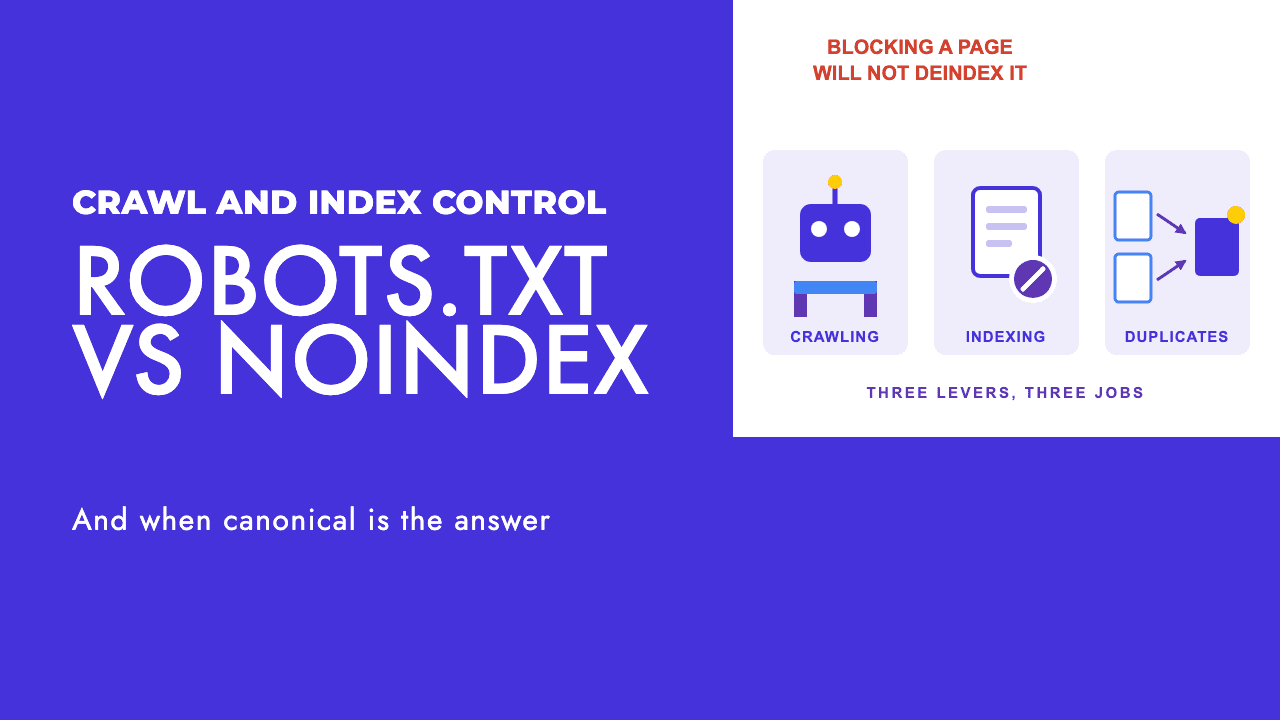
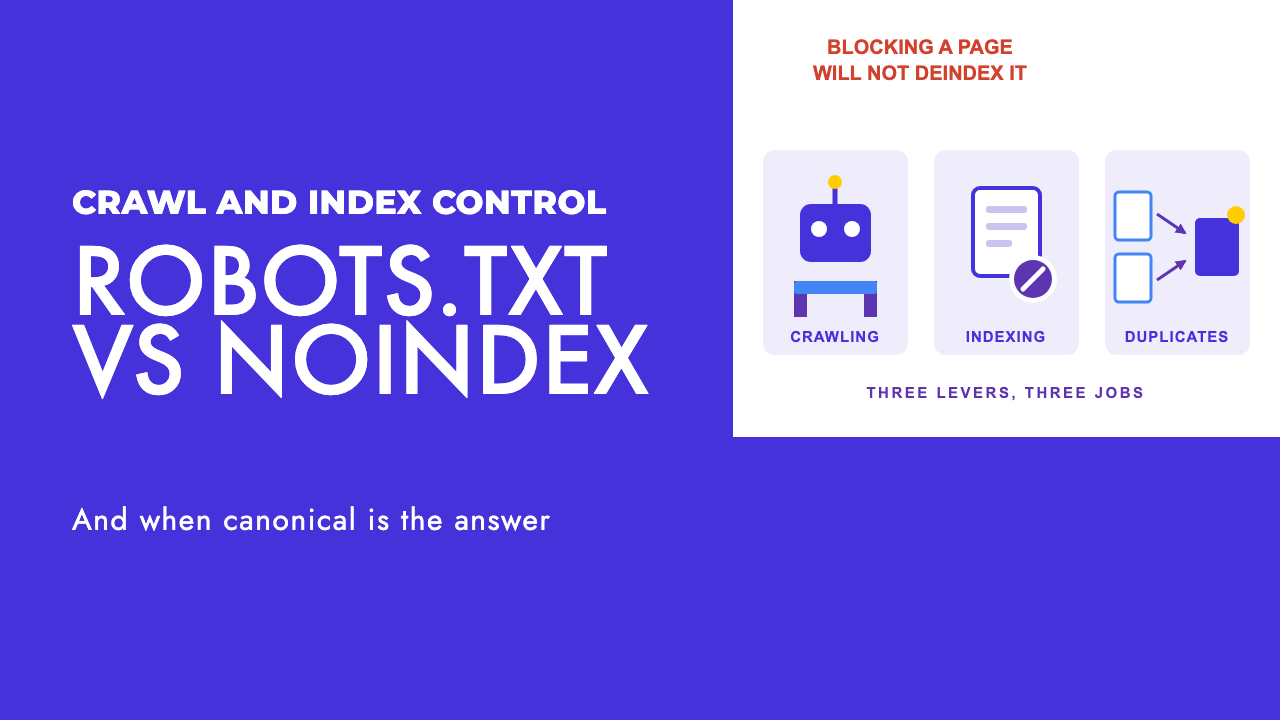
Robots.txt decides whether a crawler may request a URL. Noindex decides whether a fetched page goes into the index. Canonical decides which of several near-identical URLs gets the ranking credit. Fetching, storing, merging.
| Lever | What it controls | Directive or signal | Use it when | Does not do |
|---|---|---|---|---|
| Robots.txt | Whether a crawler requests the URL at all | A crawling directive, but obeying it is voluntary | Crawl traps or endless parameter URLs are overloading the server | Keep a page out of Google. A disallowed URL can still be indexed from links alone |
| Noindex (meta tag or X-Robots-Tag) | Whether a crawled page is stored in the index | A directive, once Google can read it | You want a page out of search results and do not mind Google still fetching it | Save crawl budget. Google still requests the page, then drops it |
| rel=canonical | Which URL in a set of duplicates gets the credit | A strong signal that Google can overrule | Several URLs serve the same content and one should rank | Remove the duplicates from the index, or win when the pages are not really duplicates |
Our view is blunter. Robots.txt is a crawl-rate and server-load tool, it is almost never the right answer to "I do not want this page in Google", and most of the robots.txt files we audit are doing indexing jobs they were never built for.
The combination that keeps a page indexed forever
The single most common failure we find is a URL that is disallowed in robots.txt and also carries a noindex tag. It feels like belt and braces. It is a deadlock.
The noindex rule lives inside the page, so Google has to fetch the page to read it, and robots.txt stops Google fetching the page. The tag goes unread, the stale copy stays in the index, and extra Disallow lines only lock it in harder. Google's words: for noindex to work, the page "must not be blocked by a robots.txt file", otherwise "the crawler will never see the noindex rule" (Google, block indexing).
This is the broken setup. In robots.txt:
User-agent: *
Disallow: /old-campaign/
And in the head of /old-campaign/index.html, which Google is no longer allowed to fetch:
<meta name="robots" content="noindex">
The fix is an order of operations, not a different tag.
- Remove the Disallow rule for that path, or add a more specific Allow for it.
- Leave the noindex in place.
- Request indexing in URL Inspection.
- Wait for "Excluded by 'noindex' tag" in the Pages report. Only then consider reinstating the block, and you rarely need to.
Writing Noindex: inside robots.txt is not a shortcut. Google does not support it (Google, block indexing).
Robots.txt: good at one job, bad at the one it gets asked to do
Robots.txt is built for traffic management. Google describes it as "used mainly to avoid overloading your site with requests" (Google, robots.txt intro). The crawl budget guide suggests it for infinite scroll pages that duplicate linked content, only when you cannot consolidate those URLs, and says not to use it to temporarily shift crawl budget between sections (Google, managing crawl budget).
The robots.txt documentation is blunt about indexing: robots.txt is "not a mechanism for keeping a web page out of Google", because "a page that's disallowed in robots.txt can still be indexed if linked to from other sites", and the result "won't have a description". That is the bare listing you see for blocked login pages.
Google's parser honours user-agent, allow, disallow and sitemap. Crawl-delay is not supported, and "Rules other than allow, disallow, and user-agent are ignored by the robots.txt parser" (Google, robots.txt spec). Google reads up to 500 KiB and ignores everything after it.
Two resolution rules cause most of the surprises.
Each crawler obeys exactly one group, the one whose user-agent line is the most specific match, wherever it sits in the file. A User-agent: Googlebot group inherits nothing from User-agent: *, so every Disallow you want Googlebot to follow has to be repeated inside its group.
When rules conflict, Google picks the most specific rule by path length, and where they tie, "Google uses the least restrictive rule" (Google, robots.txt spec).
User-agent: *
Disallow: /catalogue/
Allow: /catalogue/shoes/
Here /catalogue/shoes/trainers is crawlable because the Allow is the longer match, and /catalogue/bags/ is blocked. Not sure how a rule resolves? Paste the file into our robots.txt tester.
Compliance is voluntary: "it's up to the crawler to obey them" (Google, robots.txt intro). Googlebot does. Plenty of scrapers and some AI fetchers do not, so we treat the file as a published preference in our AI crawlers and robots.txt guide.
Noindex: the tool that actually removes pages
Noindex does the job people reach for robots.txt to do. Once Googlebot reads it, "Google will drop that page entirely from Google Search results, regardless of whether other sites link to it" (Google, block indexing).
Two ways to set it, with the same effect.
<meta name="robots" content="noindex">
HTTP/1.1 200 OK
X-Robots-Tag: noindex
Use the header when there is no HTML head to put a tag in (PDFs, images), or when you want to apply a rule to a whole directory at server level. Both forms accept the same rules, from nofollow, nosnippet and max-snippet through to noimageindex, indexifembedded and unavailable_after. noarchive is still listed, but Google Search no longer uses it (Google, robots meta tag).
Three things catch people out.
It is slow by default. Google has to recrawl the page to see the rule, and "depending on the importance of the page on the internet, it may take months for Googlebot to revisit a page" (Google, block indexing). For anything you care about, request indexing through URL Inspection.
Conflicts resolve towards the stricter rule. With both max-snippet:50 and nosnippet present, "the more restrictive rule applies". You can target one crawler with the name attribute (googlebot, googlebot-news) or a user-agent prefix in the header such as googlebot: nofollow, and where crawlers get different rules, Google applies the sum of the negative ones (Google, robots meta tag).
It does not save crawl budget. Google "will still request, but then drop the page", while blocked URLs "will stay part of your crawl queue much longer" (Google, managing crawl budget). If the real problem is thousands of filter combinations eating crawl, noindex is the wrong lever, and which faceted navigation filters to index covers the right ones.
A page showing "Crawled, currently not indexed" has no noindex problem. Google read it and chose not to keep it, which is a quality question we covered in how to fix Crawled, currently not indexed.
Canonical: a preference, not an instruction
A canonical tag removes nothing. It tells Google which of several URLs with the same content should collect the links, the ranking signals and the listing. Google puts the ways of saying so on a scale: a redirect is "a strong signal that the target of the redirect should become canonical", rel=canonical is "a strong signal that the specified URL should become canonical", and sitemap inclusion is "a weak signal" (Google, consolidate duplicate URLs).
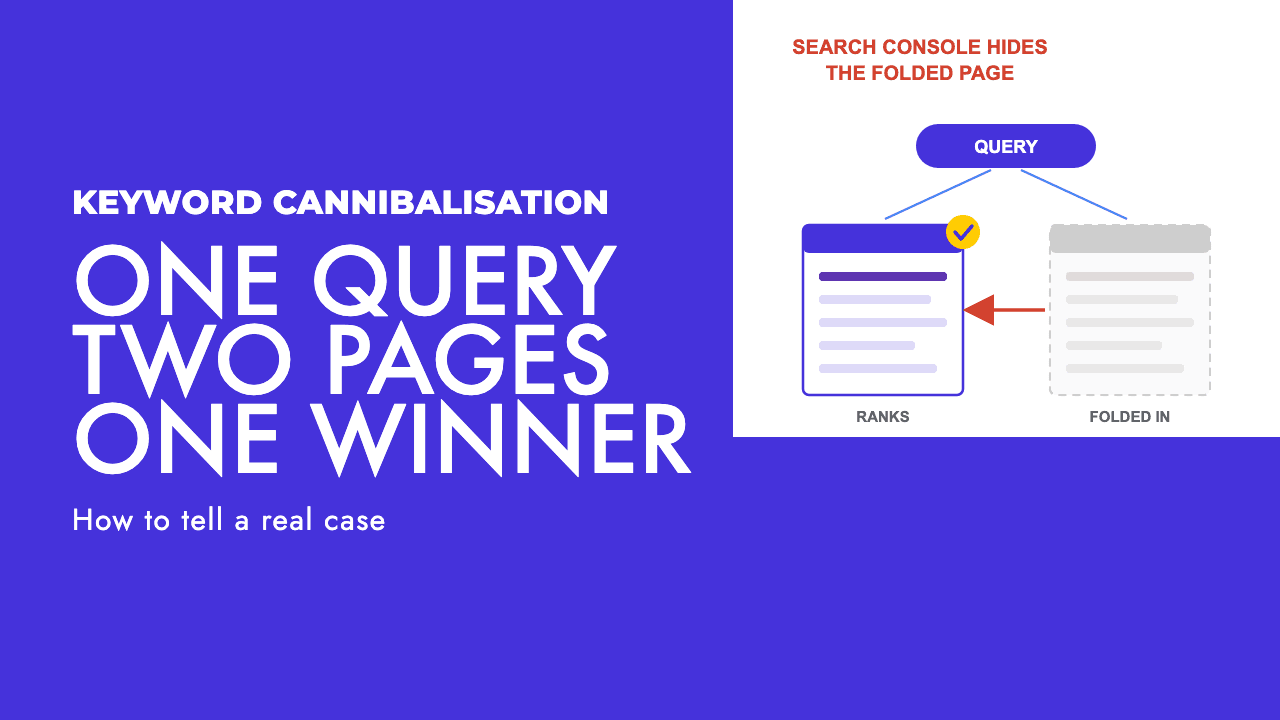
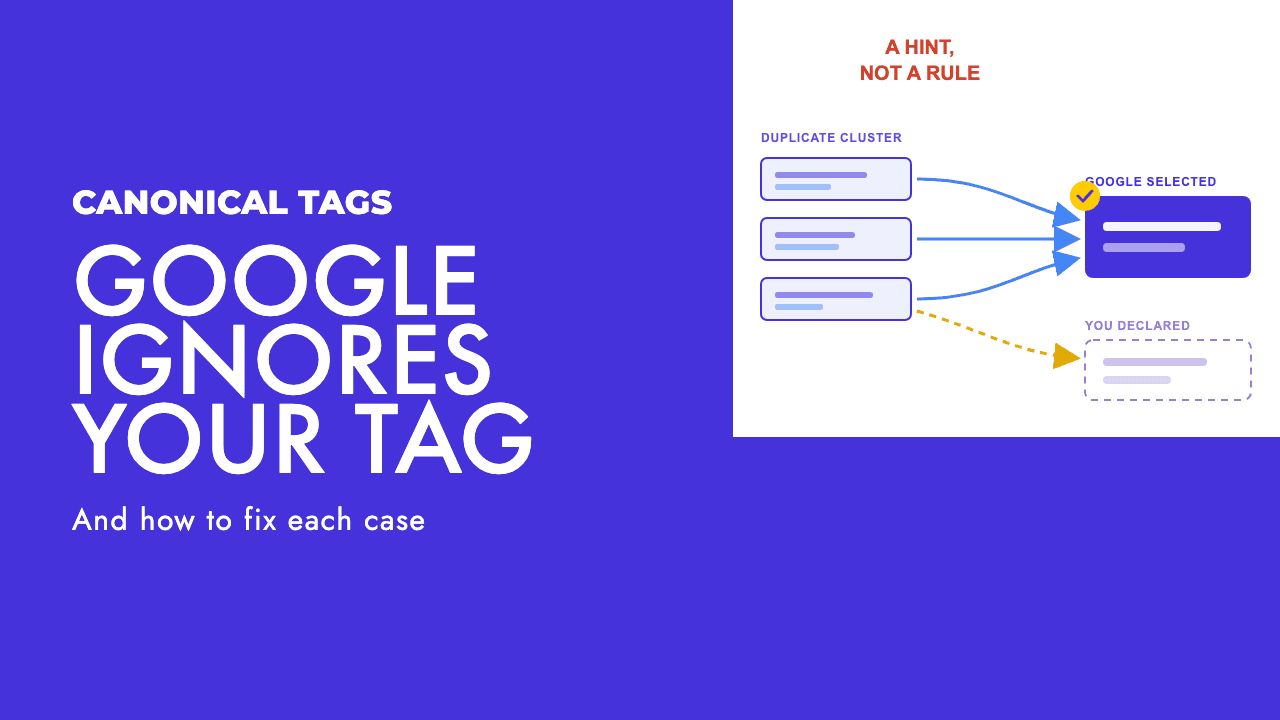
None of them are mandatory. Google groups duplicates by content similarity, picks its own canonical if you do not name one, and sometimes overrules the one you did. The causes are usually structural rather than a bad tag, which we went through in why Google ignores your canonical tag.
The second most common failure we see, after the robots-plus-noindex deadlock, is a canonical on a page that is also blocked or noindexed.
If the page is blocked in robots.txt, Google never reads the canonical and the consolidation never happens. Google's guidance: "Don't use the robots.txt file for canonicalization purposes" (Google, consolidate duplicate URLs).
If the page is noindexed, you are sending two contradictory messages: "this is a copy of X, pass my signals to X" and "do not keep this page". Google says "We don't recommend using noindex to prevent selection of a canonical page within a single site" (Google, consolidate duplicate URLs), and you lose the consolidation you wanted. Pick one: canonical if the page is a duplicate, noindex if it should not be in search at all.
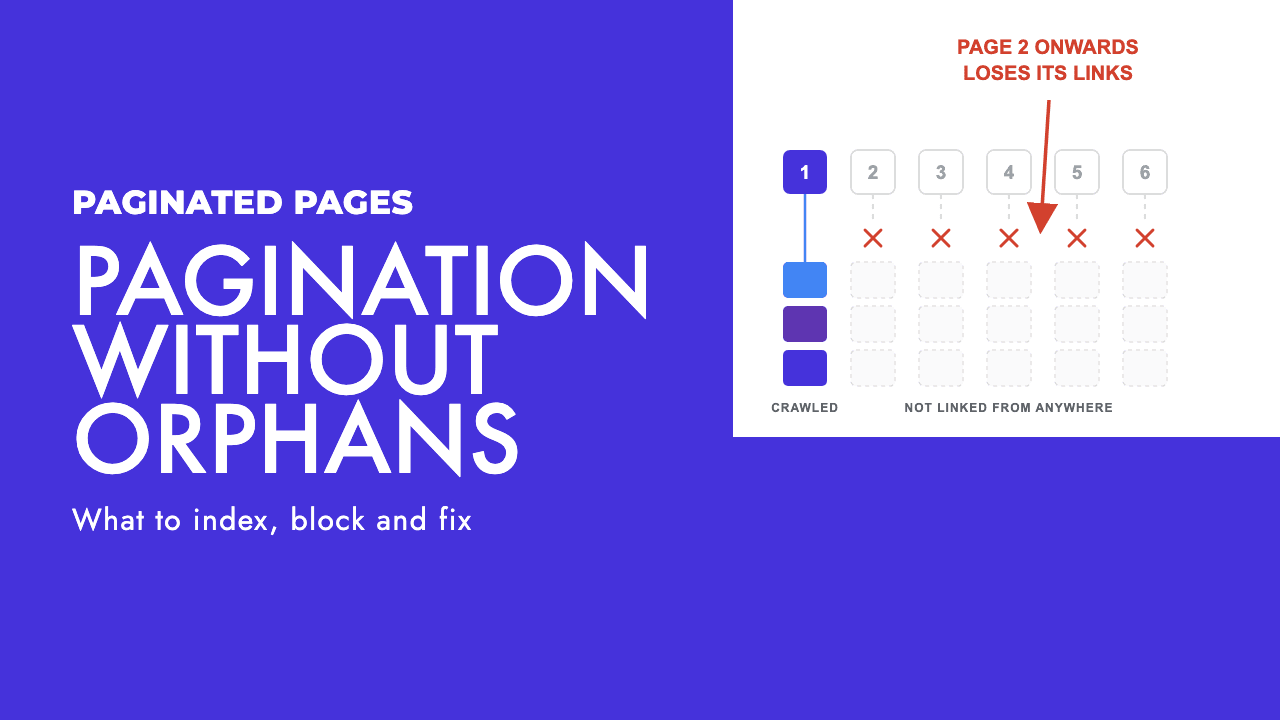
Pagination is where this gets decided most often. Page two is not a duplicate of page one, so a canonical pointing at page one is wrong. Our pagination SEO guide sets out what to do instead.
For non-HTML files, rel=canonical can be sent as a Link HTTP header, which is how you point a PDF at the HTML version of the same document.
When none of the three is the right tool
Some pages should be gone or locked, not managed.
For content that is permanently removed, return a 404 or 410. Google "won't forget a URL that it knows about", but a 404 is "a strong signal not to crawl that URL again" (Google, managing crawl budget). A noindexed page keeps getting fetched. A 410 tells Google to stop. If you redirect instead, keep it to one hop, since the same guide warns against long chains.
For genuinely private content (client portals, internal documentation, unreleased product pages), password protection is the only reliable option. Google lists it alongside deletion and noindex as a permanent removal method, with a pointed reminder: "Don't use robots.txt as a way to block your page" (Google, remove information).
The Removals tool in Search Console is for emergencies. It hides a page "within a day", but "requests made in the Removals tool last for about 6 months" (Google, remove information). Submit it and the permanent fix on the same day, and cover every URL variant, because the tool works on URLs and most pages have several.
Reading the Search Console Pages report
This is how the common statuses map back to the lever that caused them, using Google's definitions (Google, Page indexing report).
| Status | Google's definition | Lever responsible | What to do |
|---|---|---|---|
| Blocked by robots.txt | "This page was blocked by your site's robots.txt file." | Robots.txt | Fine if you meant to block crawling. Otherwise unblock and noindex |
| Indexed, though blocked by robots.txt | "The page was indexed despite being blocked by your website's robots.txt file." | Robots.txt plus inbound links | Unblock, add noindex, request indexing, wait for "Excluded by 'noindex' tag" |
| Excluded by 'noindex' tag | "When Google tried to index the page it encountered a 'noindex' directive and therefore did not index it." | Noindex | Working as designed. Check for pages you did not mean to exclude |
| Alternate page with proper canonical tag | "This page correctly points to the canonical page, which is indexed, so there is nothing you need to do." | Canonical | Nothing |
| Duplicate without user-selected canonical | "This page is a duplicate of another page, although it doesn't indicate a preferred canonical page." | Missing canonical | Add rel=canonical, or merge the pages |
| Duplicate, Google chose different canonical than user | "This page is marked as canonical for a set of pages, but Google thinks another URL makes a better canonical." | Canonical overruled | Find which of internal links, redirects, hreflang or sitemap disagrees with the tag |
Two of the six are robots.txt statuses, and in both the usual instinct (add more blocking) makes things worse.
A working order
If you take one thing from this, make it a sequence rather than a tag.
Decide first whether you have a crawl problem or an index problem, and apply one lever. Server load and millions of generated URLs get robots.txt. A page you do not want in search gets noindex. A duplicate gets a canonical or a redirect. Never apply a crawl block and an index rule to the same URL.
If the page is already indexed and you want it gone, unblock before you deindex. Lift any Disallow on the path, confirm the noindex is present, then request indexing. Think about reinstating a block only after the Pages report shows the exclusion, and usually do not.
Verify with URL Inspection. The live test shows whether Googlebot can fetch the URL, which robots.txt rule it hit, what indexing rule it found and which canonical it chose. If the live test and your intention disagree, the live test is right.
Those three habits resolve most of the Pages report statuses that get sent to us. When they do not, the problem is usually structural (a template adding tags you did not ask for, a CDN stripping headers, a sitemap that disagrees with your canonicals), and finding that is what our technical SEO service is for. If you would rather start with a second pair of eyes on your Pages report, a free SEO review is the easy first step.
Frequently asked questions
Can I put noindex in robots.txt?
No. Google's documentation is explicit that a noindex rule inside robots.txt is not supported, and the parser ignores any field other than user-agent, allow, disallow and sitemap. Noindex has to live in the page itself, either as a robots meta tag in the HTML head or as an X-Robots-Tag HTTP header, and Google has to be allowed to crawl the page in order to read it.
Why is my noindexed page still showing in Google?
Usually because the same URL is also disallowed in robots.txt. Google cannot fetch a blocked page, so it never sees the noindex tag and the old indexed copy stays put. Remove the Disallow rule, keep the noindex, then request indexing in URL Inspection. If the page is not blocked, it is probably just waiting for a recrawl, which Google says can take months for low-priority URLs.
Should I noindex duplicate pages or use a canonical tag?
Use the canonical. A rel=canonical tells Google to fold the duplicate's signals into the page you prefer, which is what you want for parameter URLs, print versions and near-identical variants. Noindex throws those signals away and Google advises against using it to steer canonical selection within one site. Save noindex for pages you do not want in search at all, not for pages that are copies of something you do.
What is the fastest way to remove a page from Google search?
The Removals tool in Search Console hides a URL within about a day, but Google says the request only lasts around six months, so it is a stopgap. For a permanent result, either delete the page and return a 404 or 410, put it behind password protection, or add a noindex tag and make sure robots.txt is not blocking the URL. Submit the Removals request and the permanent fix at the same time.