
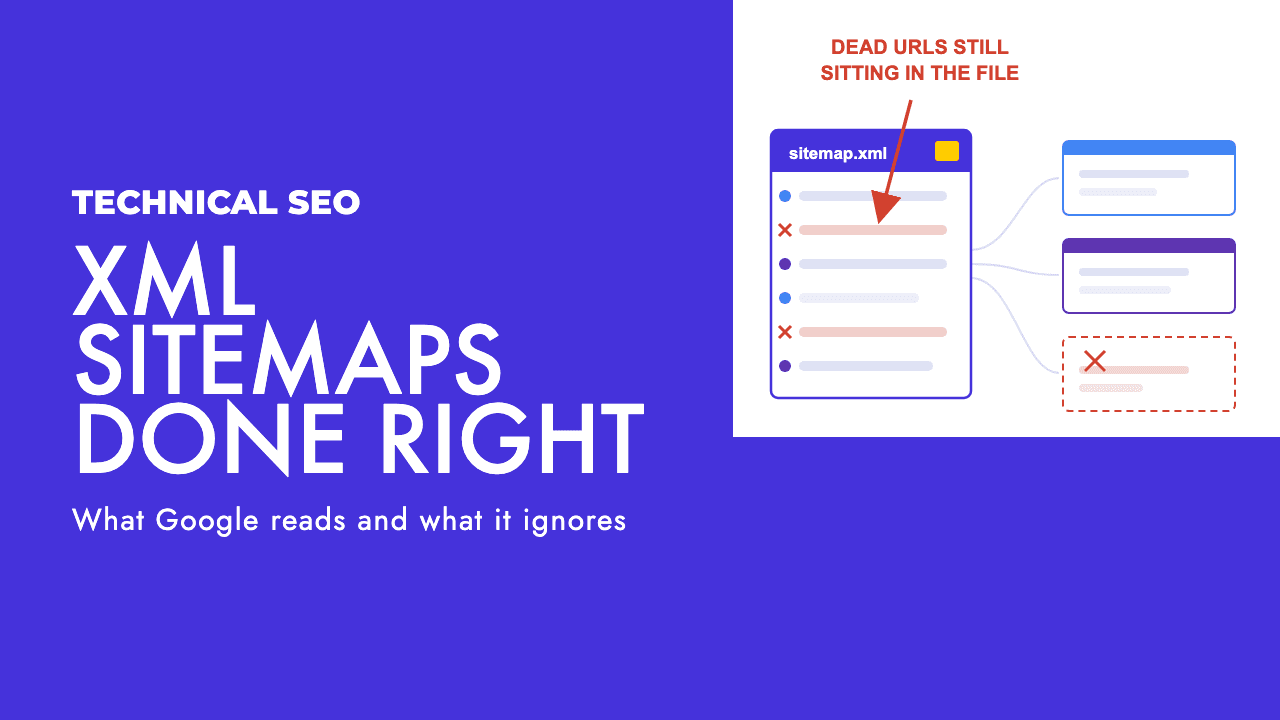
Open your sitemap right now. Not the Search Console report, the actual XML file at /sitemap.xml. If you have never done that, you are in the majority, and that is the problem this post is about.
Almost every sitemap we see on a new client site was generated by a plugin on the day the site launched and has not been looked at since. The fields people fiddle with get thrown away by Google. The one field that carries weight is the one plugins most often get wrong. And the status everyone panics about, Couldn't fetch, is usually not an XML problem at all.
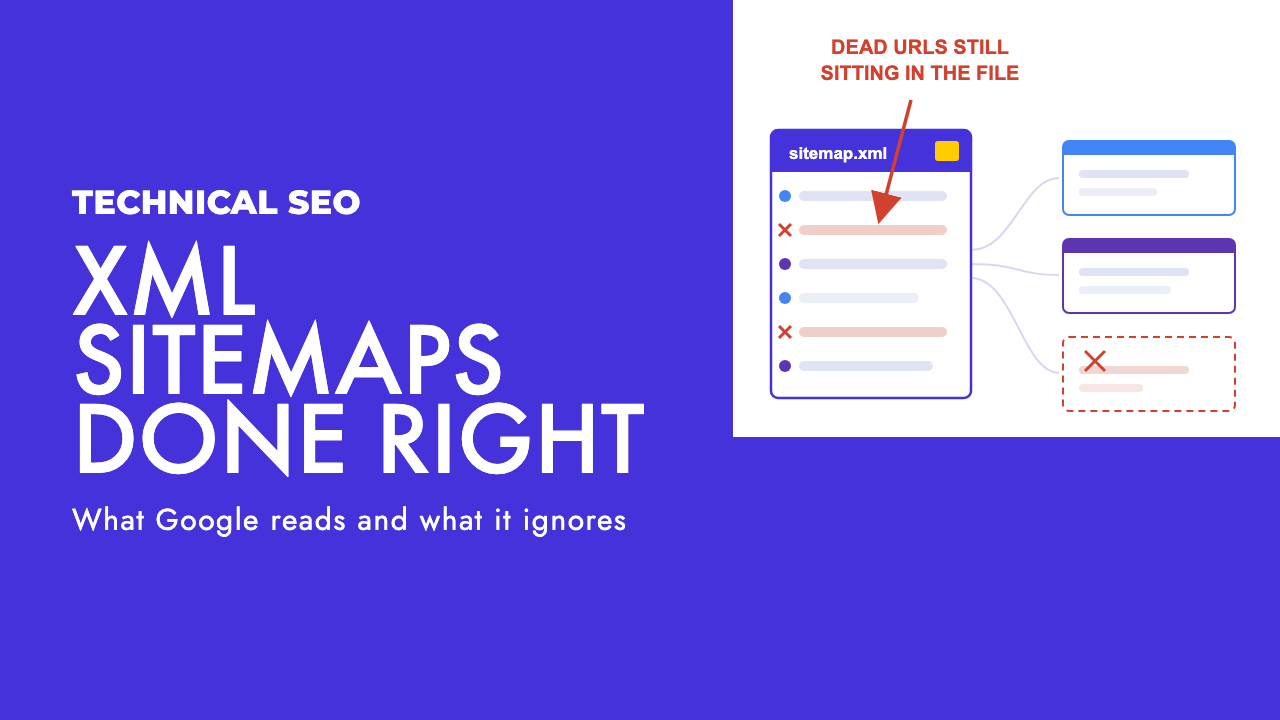
What a sitemap is actually for
A sitemap is a list of URLs you would like Google to know about. That is the whole job. It is a discovery aid, not a ranking input, and Google is unusually direct about it: submitting a sitemap is "merely a hint" and does not guarantee the URLs in it will be crawled or indexed (Google Search Central, building a sitemap).
Google also says that if your pages are properly linked it "can usually discover most of your site" without one, and that a small site, which it defines as about 500 pages or fewer, with comprehensive internal linking may not need a sitemap at all (Google Search Central, sitemaps overview).
So why bother? Because the same page says that in most cases a site benefits from having one, and because the file costs nothing to maintain once it is honest. New sites with few external links and large sites get the most out of it.
The practitioner view: have a sitemap, spend ten minutes making it truthful, then stop treating it as a lever. It will not move a ranking. Its value is in what it tells you about your site.
The two fields Google throws away
If your sitemap contains <priority> and <changefreq> tags, Google reads past them. Its documentation says plainly that it "ignores <priority> and <changefreq> values" (Google Search Central).
In the Search Off the Record episode on whether sitemaps still matter, John Mueller explained that priority "ended up not being very useful" because every site marked its own pages as top priority, which left Google with nothing to rank between (PPC Land). A field where everyone claims maximum importance carries no information. Changefreq went the same way: a site declaring everything as always fresh is technically true for dynamic pages and useless for a crawler.
Stop configuring these. If your SEO plugin still exposes a priority slider or a changefreq dropdown, that is not a feature. It is a tell about how old the advice baked into that plugin is.
The lastmod field, done honestly
Lastmod is the one optional field Google still reads, and it reads it with suspicion. The documentation says Google uses the value when it is "consistently and verifiably" accurate, and that it should reflect the last significant update to the page (Google Search Central). Mueller put the same thing less formally in the podcast: a lot of sites get it wrong, so when dates look unreliable Google ignores them.
The common failure is a CMS or a static build step that stamps every URL with the current date each time the site regenerates. To Google that looks like a site where every page changed today, every day. It checks a sample, finds the pages did not change, and discards the field for the whole site.
Our opinion: if you cannot make lastmod reflect a genuine content change, leave it out. A missing lastmod loses you nothing. A lying lastmod burns the only sitemap field that could have helped you, and it does so silently, because nothing in Search Console tells you the dates are being ignored.
One thing to be clear on so nobody panics. Inaccurate dates are not a spam issue. Mueller said directly that "this is not like a spam thing where our spam systems would say this is a bad site" (PPC Land). The dates just stop counting. That is the cost, and it is the whole cost.
What belongs in the file, and the audit that finds what shouldn't
Google's instruction is short: "Include the URLs in your sitemap that you want to see in Google's search results." Use fully-qualified absolute URLs, and where the same content lives at several addresses, choose the one you prefer and list only that (Google Search Central).
Which means one version per piece of content, canonical, indexable, and something you would be happy to see on a results page. Everything else is noise that makes Google trust the file less.
Here is the audit. Pull the sitemap (or every child sitemap in the index), crawl exactly those URLs in list mode with Screaming Frog or whatever crawler you use, then sort by status code, indexability and canonical, and count what comes back wrong.
| What you find in the sitemap | Why it is there | What to do |
|---|---|---|
| URLs that 301 or 302 | Pages were moved or the site migrated and the plugin kept the old addresses | Replace each with its final destination. Run the list through our redirect checker to catch chains, then fix the links pointing at the old URL too |
| 404s | Deleted products, posts or categories that the generator still remembers | Remove them. If the page had links or traffic, redirect it to the closest live equivalent first, then remove |
| Noindex pages | Thank-you pages, internal search results, tag archives, staging leftovers tagged noindex but still in the generator's list | Exclude them from generation at the template or post-type level. A noindex URL in a sitemap is you telling Google two opposite things |
| Non-canonical duplicates and parameter URLs | Faceted filters, tracking parameters, trailing-slash variants, pagination the plugin treats as pages | Keep only the canonical version. If the plugin cannot tell, fix the canonical tags first and then regenerate; the sitemap should follow the markup, not fight it |
| URLs on the wrong hostname or protocol | A hard-coded site URL left over from http, staging or a non-www setup | Set the site URL in the CMS once, regenerate, and resubmit under the Search Console property that matches |
| Pages that are fine but orphaned in your internal linking | The page exists and is indexable, but nothing on the site links to it | This is the useful finding. Keep it in the sitemap and go add internal links; a page Google only knows about from a sitemap rarely does well |
The last row is the reason to do this exercise. A crawl of the sitemap set against a crawl of the site from the homepage shows you every page that is in one and not the other. Those gaps are an internal linking audit waiting to happen, and fixing them does more for indexing than anything you can do inside the XML.
Sitemap inclusion is a canonical signal, a weak one
A lot of people treat the sitemap as a way to tell Google which version of a page is the real one. It does, slightly. Google's canonicalisation documentation ranks the signals it uses, and the order is instructive: redirects are "a strong signal", the rel="canonical" annotation is "a strong signal", and sitemap inclusion is "a weak signal that helps the URLs that are included in a sitemap become canonical" (Google Search Central, consolidating duplicate URLs).
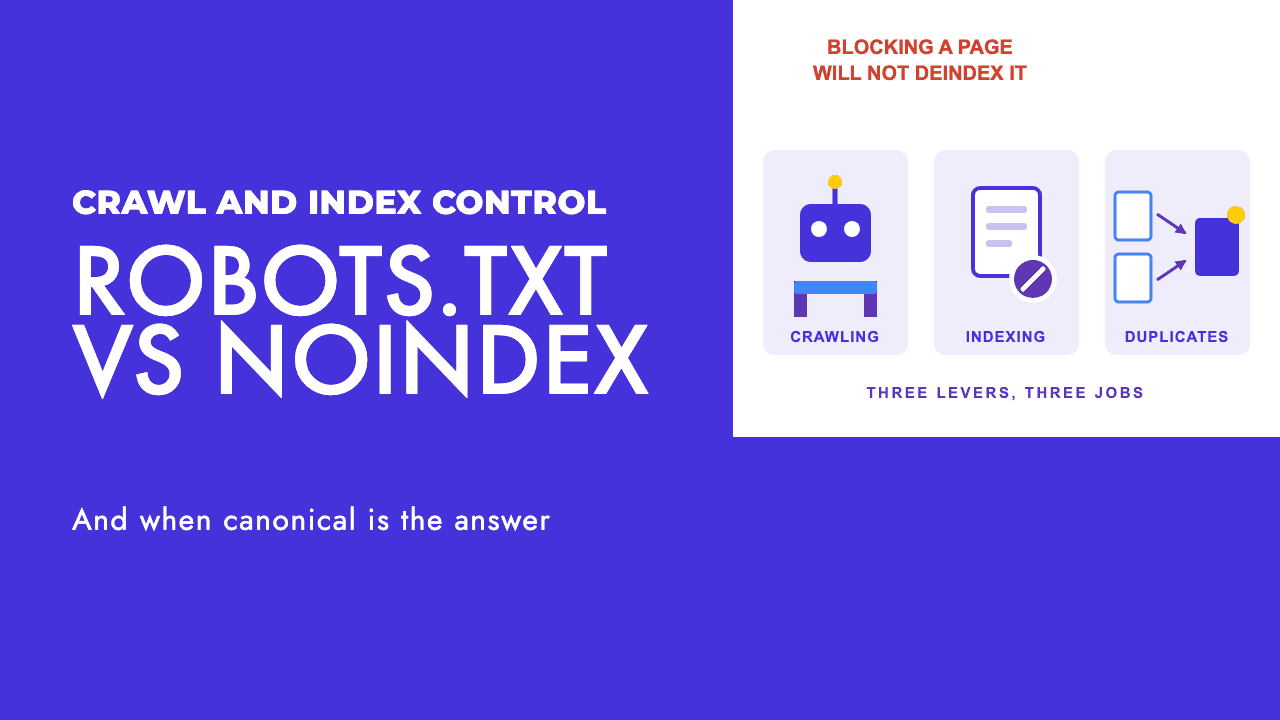
So do not expect the sitemap to win a canonicalisation argument your markup is losing. If a parameter URL is getting picked as canonical over the clean one, the fix is in the page's canonical tag or a redirect, not in the sitemap. We walked through which of those tools to reach for in robots.txt vs noindex vs canonical. The sitemap should agree with the strong signals, not stand in for them.
Splitting files, and the better reason to do it
The hard limits are simple. A single sitemap can hold 50,000 URLs or 50MB uncompressed, whichever you hit first. Past that you create a sitemap index that points at several child files and submit the index (Google Search Central).
Most sites reading this are nowhere near 50,000 URLs. The better reason to split has nothing to do with size.
Search Console reports per submitted sitemap. The Sitemaps report shows a status and a "Discovered pages" count for each file you submit, with duplicates counted once (Search Console Help). One combined file gives you one number for the whole site, which tells you nothing. Separate files for blog posts, service pages, product pages and category pages turn that into a per-section diagnostic: you can see that services are fully indexed while two thirds of the blog is sitting in "Crawled, currently not indexed", and that is an actionable finding.
Most plugins already split by post type. Check that yours does, and give any section that matters commercially (locations, products, a key category) a file of its own so you can watch it separately.
"Couldn't fetch" is usually not about your XML
This status causes more unnecessary panic than anything else in Search Console, so start with the genuine technical causes, because they are quick to rule out. Search Console's own troubleshooting for Couldn't fetch lists the sitemap being blocked by robots.txt, a 404 at the submitted address, general server errors that may be transient, and, interestingly, "low crawl demand for the sitemap" (Search Console Help). The same page notes that sitemaps are not read while a site has an unresolved manual action, and its parsing-error section covers relative URLs, unescaped characters and the 50MB limit.
One more that bites in practice: the sitemap URL you submit has to be absolute and on the exact hostname of the property. The same rule applies to the Sitemap line in robots.txt: Google "doesn't assume or check http/https/www.non-www alternates" (Google Search Central, robots.txt). A sitemap submitted under the www property that lives on the non-www host will fail quietly.
If none of that applies, the file opens in your browser, the XML validates, and the status still says Couldn't fetch, you have reached the uncomfortable explanation. In the October 2026 Search Off the Record episode, Mueller described two reasons Google skips a perfectly good sitemap. One is host load: "we don't have any time to crawl this sitemap file because we're too busy with other things." The other is crawl demand: "we're just going to skip the sitemap file because we got enough already." And then the line that matters: "the crawl demand is very often based on the perceived quality of a website" (Search Engine Journal).
Read that as a practitioner and it changes what the status means. Couldn't fetch on a valid file is Google telling you it does not rate the site highly enough to spend crawl capacity on your list of URLs. Resubmitting the same sitemap six times will not change that, and neither will regenerating it from a different plugin.
What does change it is the site: thin pages, duplicated templates, large sections nobody asked for, slow servers. To see the pattern rather than guess at it, log file analysis shows you exactly where Googlebot is spending its visits and which sections it has stopped bothering with.
One procedural note. After a failed fetch, Google retries for a few days and then stops (Search Console Help), so once you have fixed a genuine technical cause, resubmit. Do not delete and re-add the sitemap hoping for a reset; deleting it from the report does not make Google forget the file or the URLs in it.
What a sitemap will not fix
A sitemap gets a URL onto Google's list. It has no say in what happens when Google arrives.
It will not fix thin or duplicate content, because the verdict on those is made at crawl time, from the page. It will not fix "Crawled, currently not indexed", which is Google saying it saw the page and chose not to keep it; we covered what actually moves those pages in how to fix Crawled, currently not indexed. And it will not rescue pages with no internal links pointing at them, because a URL that only exists in a sitemap is a URL the site itself does not seem to think is important.
That is the honest position on sitemaps in 2026. Make the file truthful: canonical URLs only, absolute, one per piece of content, lastmod real or absent, priority and changefreq gone. Split it by section so the Search Console numbers mean something. Then stop touching it and go work on whatever the file is telling you about, which is almost always linking, content quality or crawl waste. If you would rather have someone else read the diagnostics and fix the site behind them, that is what our technical SEO service does, and a free SEO review is a sensible first step.
Frequently asked questions
Do I still need an XML sitemap in 2026?
Usually yes, but not for the reason most people think. Google says it can discover most of a well-linked site on its own, and a site of around 500 pages with good internal linking may not need one. The file still costs nothing to keep accurate, helps new sites with few links, and gives you a per-section indexing diagnostic in Search Console. Have one, keep it honest, do not expect it to rank anything.
Should I set lastmod in my sitemap?
Only if it reflects a genuine change to the page content. Google uses lastmod when it is consistently and verifiably accurate, and ignores it when every URL carries today's date or the date of the last site build. If your CMS cannot produce a truthful date, leave the field out. An inaccurate lastmod is not treated as spam, it is just discarded, so you lose the one field that could have helped.
Why does my sitemap say Couldn't fetch?
Check the plain technical causes first: robots.txt blocking the file, a 404 at the submitted URL, server errors, a mismatched hostname, or an unresolved manual action. If the file loads fine for you and the XML validates, the likely cause is crawl demand. Google has said it skips sitemaps when it is too busy or already has enough from the site, and that crawl demand tracks the perceived quality of the website.
Does submitting a sitemap get pages indexed faster?
It can speed up discovery, which is not the same as indexing. Google describes a sitemap submission as a hint and says it does not guarantee that the URLs in it will be crawled or indexed. Whether a discovered page gets indexed depends on what Google finds when it crawls it. A sitemap moves a URL to the front of the queue at best; it does not change the verdict.
Should I list my sitemap in robots.txt?
Yes, it is cheap and other crawlers read it. The Sitemap line is optional and you can list more than one. The URL has to be fully qualified, with the protocol and the exact hostname, because Google does not assume or check http versus https or www versus non-www alternates. A robots.txt line is not a substitute for submitting the sitemap in Search Console, where you get the status and the Discovered pages count.