
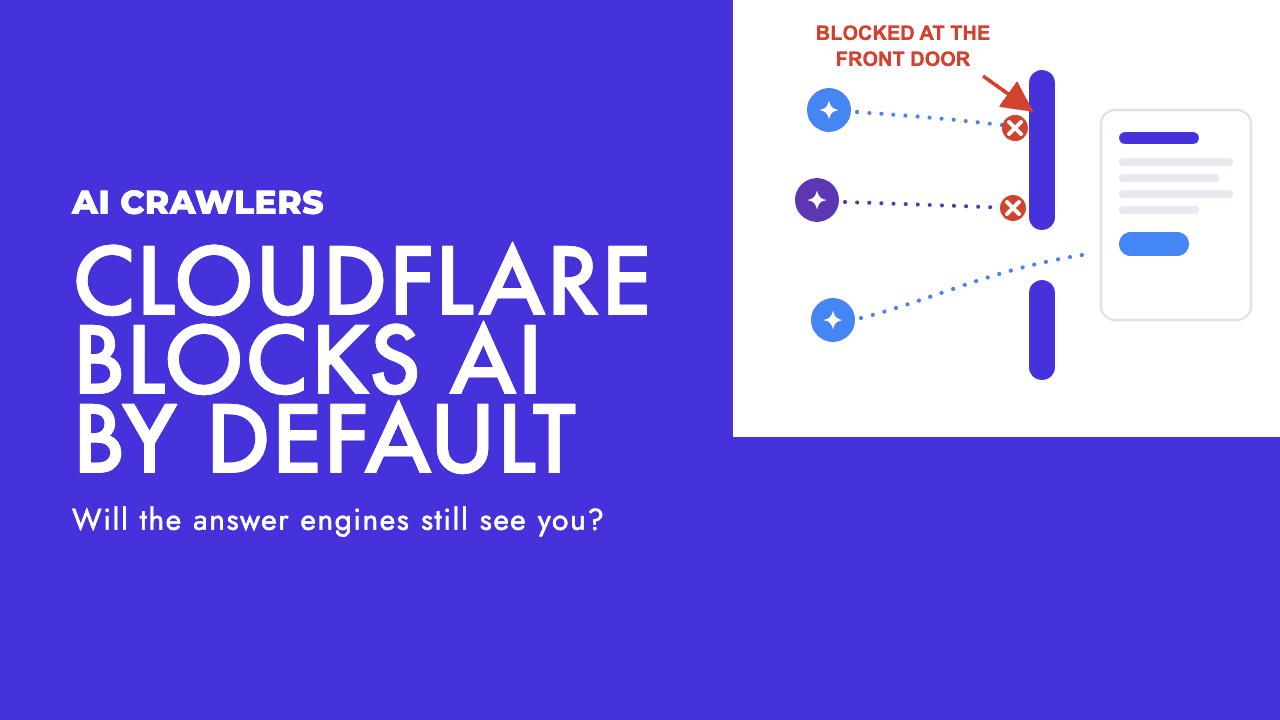
On July 1, Cloudflare announced that from September 15, 2026, it will block AI training and agent crawlers by default on any page that carries ads, for domains joining its network (Cloudflare blog). TechCrunch reported the scope as new customers, new sites from existing customers, and every free-tier account (TechCrunch). If you run a business site behind Cloudflare, this default could change what AI systems are allowed to read on your pages without you touching a single setting.
Most of the coverage has framed this as a win for publishers and a headache for OpenAI and Google. That is one story. The story that matters for a normal business is simpler and more urgent: is your site about to disappear from AI answers, and did you even choose that?
What Cloudflare actually changed
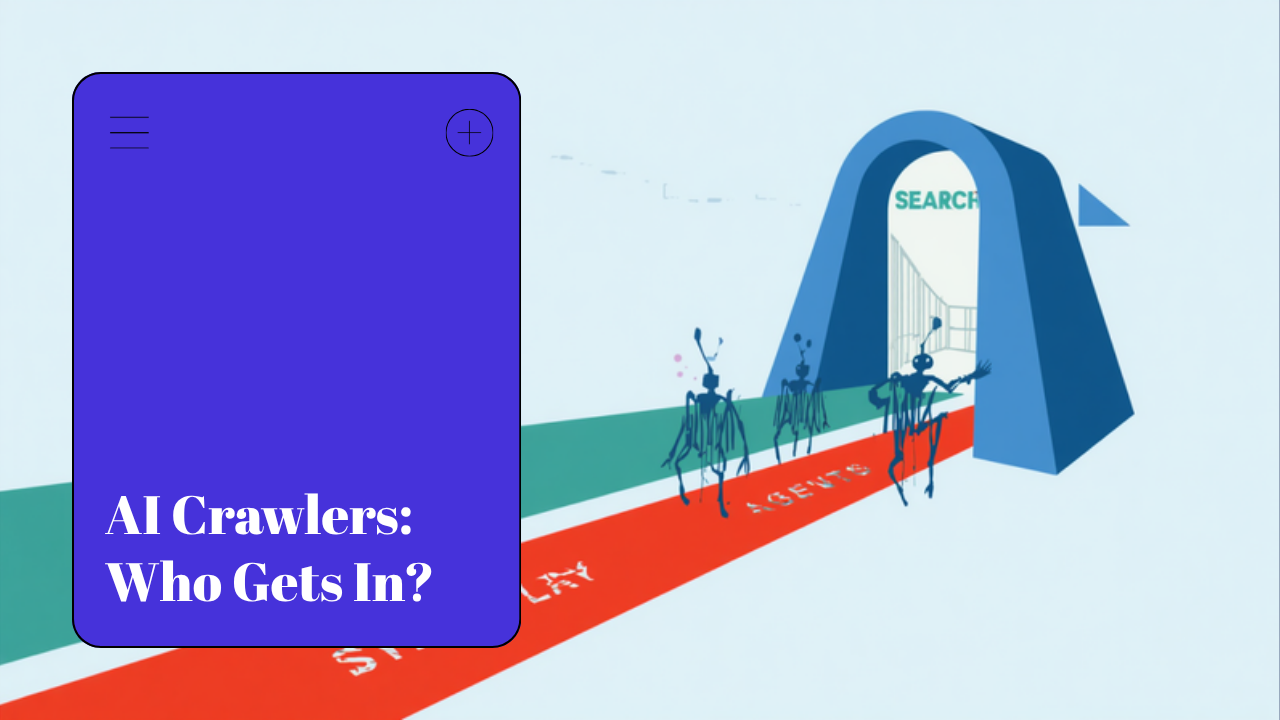
Cloudflare is splitting AI crawlers into three buckets and treating them differently (Cloudflare blog):
- Search: bots that index pages so they can be ranked and linked. Allowed by default.
- Training: bots that scrape content to train AI models. Blocked by default on ad-supported pages.
- Agents: bots that fetch pages in real time to answer a user's question. Also blocked by default on ad-supported pages.
The friction point is bots that do all three under one name. Cloudflare calls these multi-purpose crawlers (most of the press went with "mixed-use"), and TechCrunch's read is that AI companies have until September 15 to separate them or accept being blocked by default on many sites (TechCrunch). Cloudflare's own post goes further than most coverage noticed: it names Googlebot, Applebot and BingBot as multi-purpose crawlers that "will be blocked by customers who have selected to block Training". How that interacts with the ad-page default is not spelled out, which is why the checklist below tells you to test Googlebot after you touch anything. Alongside this, its Pay Per Crawl marketplace is evolving into Pay Per Use, so publishers can charge AI companies when their content creates value rather than only when it is fetched.
The headline reads like a blanket block. It is not. Search stays open. That distinction is the whole ballgame.
The part everyone is getting wrong
Blocking AI training crawlers does not remove you from Google's AI Overviews or AI Mode.
This trips people up constantly, so let me be plain about it. Google's AI Overviews and AI Mode are built on the Google Search index, which is fed by Googlebot, not by the training crawler. Google's own documentation states that Google-Extended, its AI training token, does not affect a site's inclusion in Google Search and is not a ranking signal (Google Search Central), and Google says its generative AI features are rooted in the same core Search ranking systems (Google Search Central). You can say no to training and still show up in the AI answer.
So when Cloudflare blocks "training" by default, your presence in Google's AI features is not what is at risk. What you are opting out of is your content being used to train future models. For most businesses that is a fine trade, arguably a good one.
The category to watch is Agents. When ChatGPT or Perplexity fetches live pages to build an answer, that is agent traffic, and so is an agentic browser completing a task on your site. Block it and you can drop out of the real-time answers those tools generate. That is the setting that touches your visibility, and it is the one worth being deliberate about.
Our take: don't reflexively block
Here is where we part ways with a lot of the commentary. The "make AI pay for your content" framing is built for large publishers with traffic, bargaining power, and a licensing team. That is not most of the businesses we work with in Cyprus and the USA.
If you are a law firm, a clinic, a SaaS startup, or a local service business, your problem is almost never that AI companies are getting rich off your blog. Your problem is that not enough people find you in the first place. Blocking the crawlers that put you inside AI answers, to protect content nobody is licensing anyway, is solving a problem you do not have while creating one you do.
We see this constantly. A business hears "AI is stealing content," flips on an aggressive block, and quietly removes itself from the exact surfaces where buyers are now asking questions. The upside was theoretical. The lost visibility is real.
The Pay Per Use marketplace is genuinely interesting, and we expect it to matter for media brands. But charging for crawls only works when someone actually wants to pay for your content. For the vast majority of business sites, the value is in being cited and visited, not in a per-crawl fee that will round to nothing.
What to actually do this month
This is not a reason to panic. It is a reason to check your settings on purpose instead of inheriting a default you never chose.
- Find out if you are on Cloudflare and what tier. The new defaults hit new domains, new sites, and free accounts hardest. If you launched recently, assume the defaults now apply to you.
- Decide per bucket, not in one switch. Blocking training is usually fine. Blocking agents is the decision that affects whether ChatGPT and Perplexity can read you live. Treat them separately.
- Keep Search open. This should be obvious, but confirm it instead of assuming it: test a live URL against Googlebot and read the rule that matches, then check your logs for Googlebot, Bingbot and Applebot getting 200s on ad-carrying pages after any Training block goes on. Nothing good comes from blocking the crawlers that index you for ranking, and Applebot is the one that gets caught most quietly.
- Check your robots.txt against your Cloudflare rules. They can quietly contradict each other. If you want a clean, deliberate crawler policy, our guide on AI crawlers and robots.txt walks through which bots to allow and block and why. If the file itself has become a pile of pasted rules, our AI crawler rules generator will rebuild it with one explicit block or allow per bot.
- Match the policy to your actual business. If you license content, explore Pay Per Use. If you sell services and need to be found, stay open to agents.
Update, September 2026
The September 15 date stands, and Cloudflare has published nothing since that moves it. What it has shipped is tooling around the switches. Bot Preference Sync, announced on 21 August and available on every plan including Free, writes your Search, Agent and Training choices from the dashboard into your robots.txt automatically, prepending its rules to whatever you already had (Cloudflare). A week later it opened BotBase for Operators, where bot owners declare what a bot does, how it uses what it reads and who runs it, which is the mechanism by which a multi-purpose crawler can be split into separately labelled behaviours (Cloudflare).
The practical consequence is that if you turn Bot Preference Sync on, your robots.txt will start changing without anyone editing it. Read it again after you save the dashboard settings.
The bigger shift underneath this
Cloudflare's move is a signal, not a one-off. The open web is being carved into "who gets to read this, and on what terms." Search crawling, AI training, and AI agents used to travel together under one bot. Now they are being pulled apart, and every site owner is quietly being handed a set of switches most have never looked at.
For businesses chasing visibility in AI search, the winning position for the next while is boring but correct: stay readable to the systems that answer questions, say no to training if you want to, and stop treating "block AI" as a free move. It is not free. It has a cost measured in the customers who never find you.
If you are not sure what your current setup is telling AI crawlers, that is exactly the kind of thing a technical review surfaces fast. Our AI search optimization and technical SEO work starts by checking what you are actually letting the machines see, and you can get a read on your own position with a free SEO review.
The businesses that win in AI search over the next year will not be the ones who blocked the hardest. They will be the ones who understood which door they were closing before they closed it.